Apps Like Ricalko: Camera Lucida Drawing for iPhone and iPad
Create, draw, and refine artwork
Create artwork by tracing virtual projections of photos on paper, easels, or surfaces. Adjust tools for precision. Save and export drawings. Access tutorials for beginners and advanced techniques. Sync projects across devices.
by GENOVA Softworks★ 4.24 ratingsGraphics & Design$5.99Data updated 2026-11-07
Draw and with customizable brushes and layers. Edit images with adjustment tools and filters. Import and export files in various formats. Use gesture controls for quick navigation and editing.
Create social media posts, flyers, collages, logos, and wallpapers with drag-and-drop tools. Use pre-designed templates for Instagram, Facebook, and phone wallpapers. Add text, images, and graphics.
Create digital artwork with customizable brushes and adjust texture, shape, and paper quality. Import and export images in various formats. Access unlimited brushes and tools for free for 30 hours monthly.
Color images with 2D artwork and various tools including a bucket fill. Explore daily updated collections of images. Share completed drawings via social media or email. Adjust colors and save progress.
Create realistic artwork with pencil, brush, pen, and marker tools. Import images as layers and edit with eraser, ruler, compass, and other tools. Add stickers and use layer management for detailed painting and design.
Create and share digital art with coloring pages, art games, and tracing tools. Design in 3D and display creations in a personal digital museum. Collaborate on drawings with friends and family.
Convert photos or draw designs to create patterns. Choose from DMC, Anchor, and other threads. Use various types including 1/4, 1/2, 3/4, backstitches, and French knots. Export patterns as printable PDFs. Track progress within the .
Edit photos with multiple layers, blending modes, and masking. Adjust colors and brightness using adjustment layers. Apply brushes, smudge, warp, and effects. Add shadows and clarity. Export and share edited images.
And with tracing guides and step-by-step tutorials. Choose from various fonts and styles. Trace letters, letters, and symbols. Access inspirational quotes and decorative elements. Use a high-tech tracing projector for guidance.
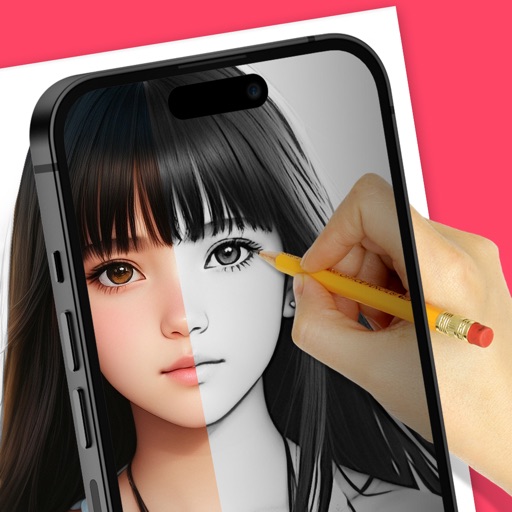
Trace images to create sketches or drawings. Adjust line thickness and brush styles. Use an eraser tool. Apply filters to images. Select from gallery or take new photos. Draw on paper with phone held 1 foot above.
Use augmented reality to and images from photos or the camera. Draw on paper with a pencil using phone support. Convert photos into drawings. Save and share artwork.
Use phone camera to project anime-style templates onto paper or surfaces. Trace outlines to create art. Adjust lines and colors. Export drawings in various formats. Sync with digital tools for further editing.
Create poses by cutting ropes to match stage themes. Select cutting paths to make actions like running, dancing, or grabbing balloons. Retry failed attempts instantly. Track progress through stages and themes.
Merge multiple photos into a single artwork by selecting and combining image sections. Remove or re-add parts using finger painting techniques. Adjust brush settings for precision.
Create cards by adding photos to customizable and cake designs. Edit images with cropping, filters, and text tools. Share finished cards via email or social media.
Create drawings and paintings using augmented reality. Project images onto paper and trace them. Choose from diverse patterns and motifs. Color directly on the projected image. Save and share completed artwork.