Apps Like Ricalko: Camera Lucida Drawing for iPhone and iPad
Create, draw, and refine artwork
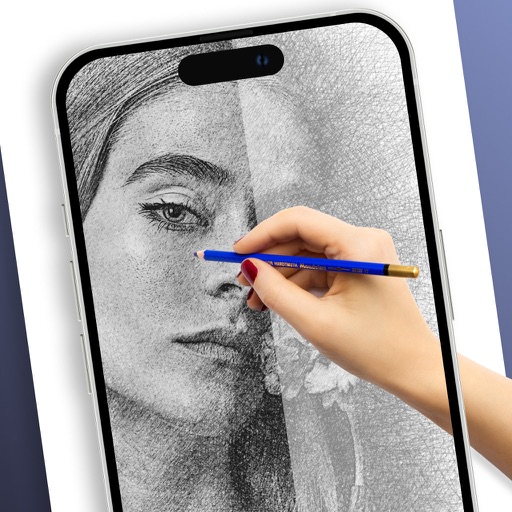
Create artwork by tracing virtual projections of photos on paper, easels, or surfaces. Adjust tools for precision. Save and export drawings. Access tutorials for beginners and advanced techniques. Sync projects across devices.
by GENOVA Softworks★ 4.24 ratingsGraphics & Design$5.99Data updated 2026-11-07
Create artwork using text prompts and style choices. Generate unique images in seconds. Explore various artistic styles. Save and share finished pieces. Edit and refine generated art.
Learn to characters using augmented reality guidance. Follow step-by-step tutorials to sketch facial features, body proportions, and expressions. Use AR overlays to visualize and refine your drawings in real time.
Create digital art with 105 tools including pens, pencils, and brushes. Import and edit photos. Add text and rotate elements. Customize brush settings. Use customizable canvases. Save and share artwork.
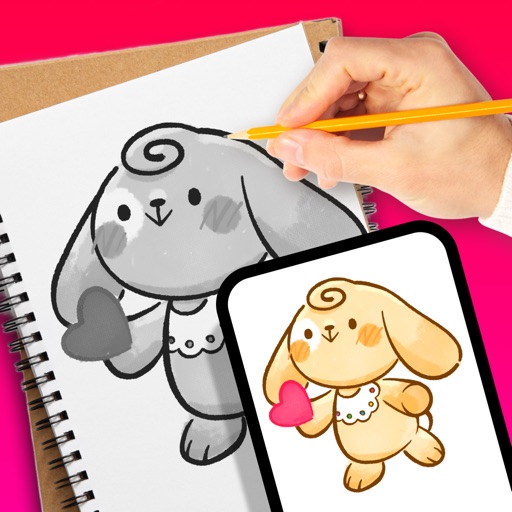
Create sketches and drawings using built-in brushes and canvases. Trace real-world images with AR technology. Save and share artwork directly. Adjust brush size and opacity for detailed work. Import images to base drawings on.
The app offers multi-layer photo editing for creating composites and artwork. It allows users to combine photos, add text, apply filters, and use AI tools for image generation and background editing.
Plus Apps Bilisim Teknolojileri Reklamcilik Limited Sirketi
Sketches with AR technology
To sketches using AR technology. Choose from various categories to practice. Follow step-by-step instructions to improve techniques. and paint directly on the screen. View animated tutorials for guidance. Save and review your artwork.
Edit photos and videos into high-quality drawings, sketches, and illustrations. Apply pencil, charcoal, or technical filters. Enhance videos with advanced filters. Export edited content in various formats.
The app uses live-calculated brushes and strokes with HDR values for a unique art style. It offers gritty paper/canvas textures that interact with drawing tools for a satisfying look.
Create mandala paintings using vector-based tools. Zoom smoothly for precise details. Choose from various colors and brush styles. Save and share drawings directly. Adjust layer settings for customization.
Create custom black-and-white line drawings using AI prompts. Draw freely with customizable tools. Access a global community for sharing and feedback. Save and export artwork in various formats.
Create and edit drawings with brush, blur, eraser, fill, pen, pixels, procedural, select, smudge, text, and vector tools. Work with hundreds of layers. Participate in daily drawing challenges, competitions, and collaborative co-ops.
Create and edit drawings using augmented reality. in real-time with touch or stylus. Adjust colors, brush sizes, and opacity. Share drawings directly or export as images.
Create and project drawings in real time using augmented reality. Trace and sketch on surfaces with your device. Adjust colors and brush sizes. Save and share drawings. Sync with other devices for collaborative projects.
Create art using augmented reality tools and follow step-by-step artist-led tutorials. Access daily for various mediums like acrylic, pencil, and watercolor.
Draw with pencil, brush, eraser, marker, and pen. Customize brushes with texture and fill colors using a bucket tool. Add text and shapes to drawings. Change backgrounds with color, texture, or images. Use grid for guidance and mirror for faster .