Apps Like Projector AR Drawing - Creator for iPhone and iPad
Draw with AR, create art instantly
Use augmented reality to draw on any surface. Create sketches with AI-assisted tools. Select and customize NFT images from your phone gallery. Export drawings in various formats. Share artwork directly from the .
by Zipo Apps Ltd.★ 4.2429 ratingsGraphics & DesignFreeData updated 2026-09-06
Create still or animated drawings that flow and evolve. Use generative brushes for natural, responsive sketching. Design fluid artwork for backgrounds or sharing. Adjust brush settings for precise control. Export drawings in various formats.
Plus Apps Bilisim Teknolojileri Reklamcilik Limited Sirketi
Sketches with AR technology
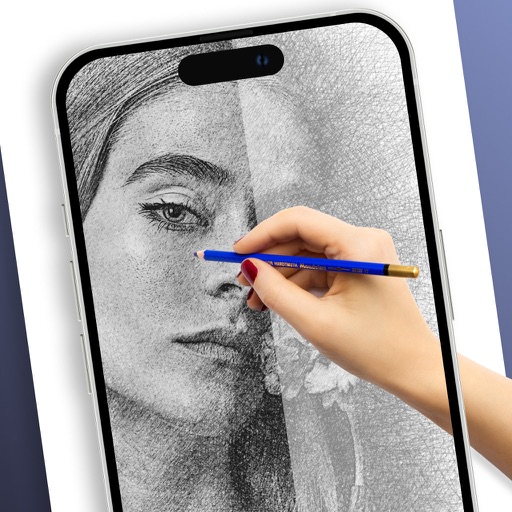
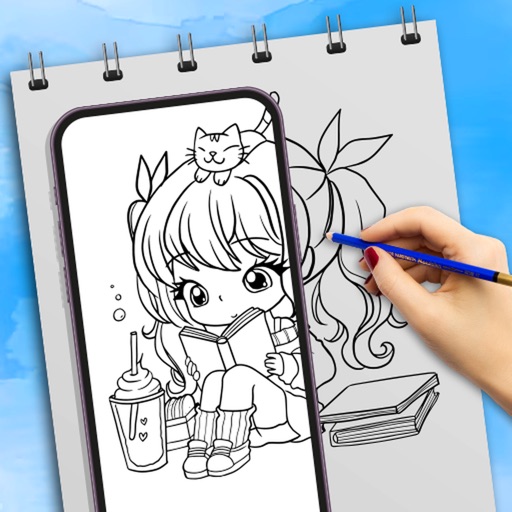
To sketches using AR technology. Choose from various categories to practice. Follow step-by-step instructions to improve techniques. and paint directly on the screen. View animated tutorials for guidance. Save and review your artwork.
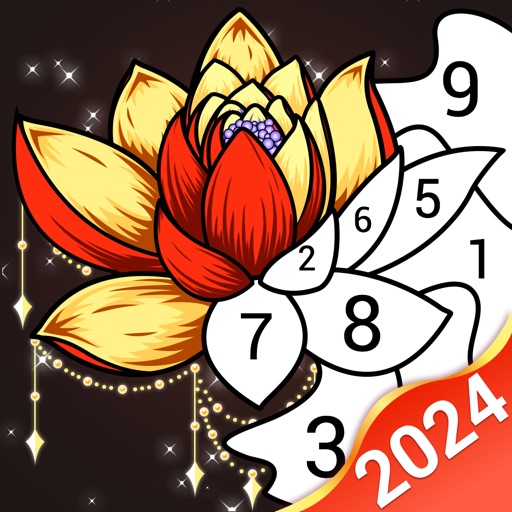
By artworks with pre-drawn grids. Select and paint images using colored markers. Save and share completed drawings. Access a library of free artwork to .
Create and edit drawings using various tools like Pen, Line, Arrow, Rect (Stroke/Fill), Ellipse (Stroke/Fill), Eraser, and Text. Choose from multiple colors including Black, Red, Green, Blue, Yellow, and more. Save or share drawings directly.
Create art with 10 brushes. Adjust brush size and color randomly. Import photos to doodle on. Add drawings to family images for customization. Save and share completed artwork.
Create and customize pixel art NFTs with drawing tools and color palettes. Export artwork as NFTs to sell on platforms like OpenSea, Axie Infinity, and Nifty Gateway. Manage blockchain transactions and track sales directly within the .
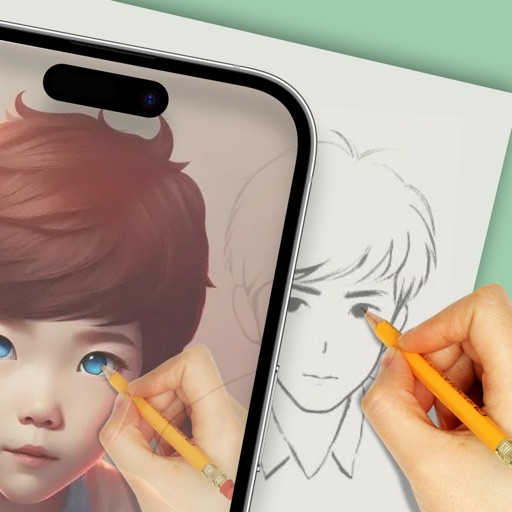
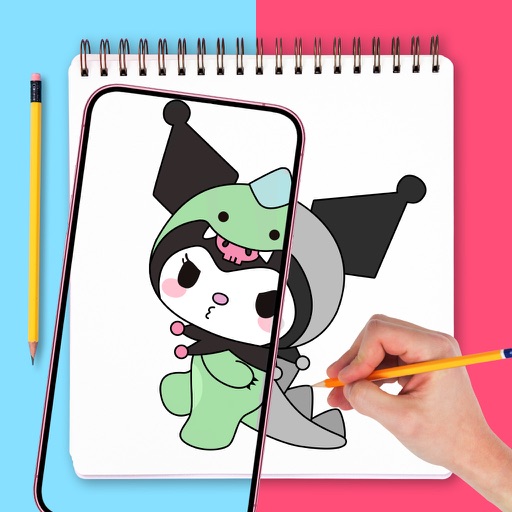
Use your phone to project templates onto paper for . Upload and create custom art. Access sections for anime, tattoos, and cars. Record video of your process. Sync drawings with AR features for enhanced sketching.
Create pixel art using a grid-based drawing interface. Draw with customizable colors and brush sizes. Share artwork directly to social media or the in- community. View and comment on other users' pixel art.
Use augmented reality to draw on any surface. Trace outlines, adjust colors, and add textures. Save and share drawings. Access tutorials for beginners. Export in various formats.
Use camera to draw and paint in augmented reality. Access tracing templates for animals, cars, nature, food, anime, and more. Adjust brush size and color. Save and share artwork directly.
On with precise tools. Add text, shapes, and stickers. Insert layers and blend images. Create collages with frames and stamps. Design custom stickers and share directly via iMessage or the .
Create freehand artwork from real-life images using AR technology. , , and paint over live camera views. Add text and stickers to drawings. Export creations in multiple formats and share directly.
Draw with pencil, brush, eraser, marker, and pen. Customize brushes with texture and fill colors using a bucket tool. Add text and shapes to drawings. Change backgrounds with color, texture, or images. Use grid for guidance and mirror for faster .
Learn to sketch figures and garments with step-by-step guidance. Create and manage layers for detailed illustrations. Use AI tools to generate clothing and accessories in specific styles. Add body types including models, women, men, and plus size.