AR Drawing How to Draw Sketch
On paper with AR templates
Magomed Dzhamalov
iPhone Screenshots


Description
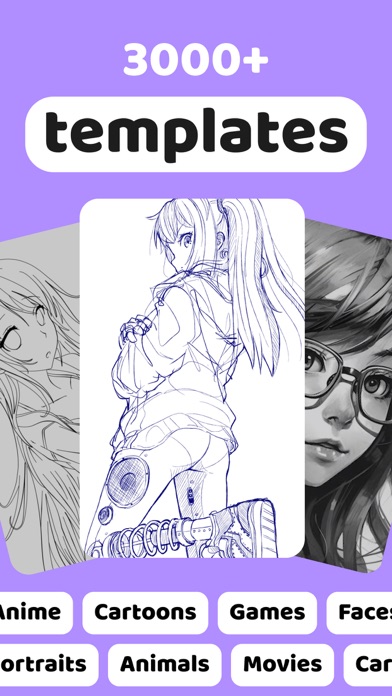
Use your phone to project templates onto paper for . Upload and create custom art. Access sections for anime, tattoos, and cars. Record video of your process. Sync drawings with AR features for enhanced sketching.
Delve into the new World of augmented reality drawing!
AR Drawing is a new breakthrough in drawing & Sketching with the implementation of AR
Use your phone to project a template onto your paper and simply draw the lines
With AR Drawing you will be able to:
- Upload and draw your own art
- Discover genuine art sections: Anime, Tattoos, Cars etc.
- Record a video of your drawing process
AR Drawing is the application that allows your to draw stunning arts and images, learn how to draw and teach others. All of this is available thanks to augmented reality added in the app.
AR Drawing make sure that drawing is suitable for everyone - starting and professional artists as well as kids and parents.
With AR Drawing you can draw anything with any tool and anywhere by completing only 3 steps:
- Choose your art template
- Put your phone into the static position (a cup or a mug)
- Draw simple lines as they are shown on a template
Take the best from Augmented Reality, with AR Drawing
———
Privacy Policy: https://docs.google.com/document/d/19oVhRE0EFgVbKkF74oP-joakzUrUANAm6lq9cUuNMXM/
Terms of Use: https://docs.google.com/document/d/1FhLb-Pt5M_BjXkDKFujVIWPho3VtSkncAURMRLtB-fM/edit
———
Contact e-mail:
[email protected]