Create abstract art by drawing shapes that auto-connect and fill with random procedural patterns. Use Auto Draw to generate unique compositions in real time. Watch animations transform your artwork into kaleidoscopic designs.
by Jason K Smith★ 4.936 ratingsEntertainmentFreeData updated 2026-09-06
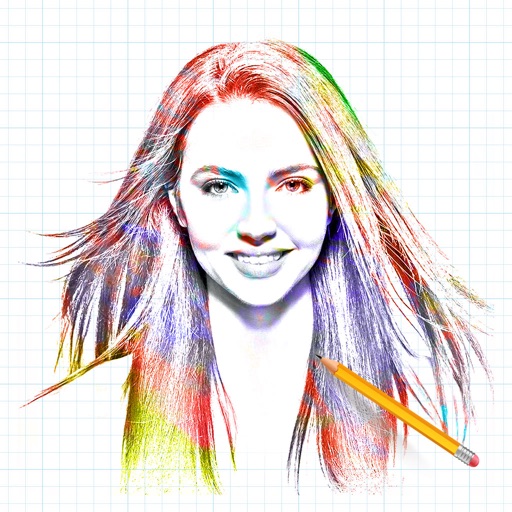
The app allows users to transform photos into artistic sketches. It provides options to apply frames and multiple effects to the created sketches before saving and sharing.
The app allows users to draw freely via LED, controlling color, canvas length, movement, and background. This version does not include a save function.
Create drawings using a variety of art and color options. Select and match colors for coloring games. Use the Draw-it feature to sketch freely. Save and share completed artwork. Adjust brush settings for detailed strokes.
Create art sprites and animations for game development. Draw with Apple Pencil for precise control. Animate frame by frame using a timeline and onion skinning. Export sprite sheets directly compatible with Unity, Godot, and GameMaker.
Create interactive light effects with customizable animations and touch responses. Adjust colors, brightness, and motion patterns. Share creations via social media or email. Sync with Apple devices for full-screen display.