Create intricate tessellations and mandalas using 20 symmetry options. Draw with customizable colors and patterns. Adjust symmetry settings to design complex shapes. Save and export artwork in various formats. Share creations directly from the .
Learn to with guided lessons, text, voice, and video instructions. Access 1000+ tutorials across all skill levels. Follow personalized learning paths. Use Apple Pencil for . Track progress with structured lessons.
Create mandala paintings using vector-based tools. Zoom smoothly for precise details. Choose from various colors and brush styles. Save and share drawings directly. Adjust layer settings for customization.
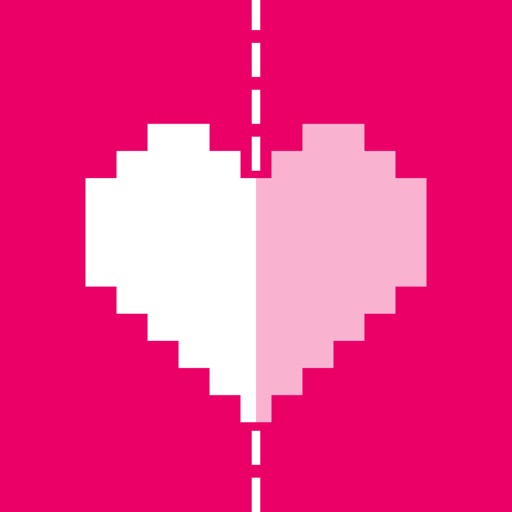
Complete the by finishing the mirrored half around the line of . Use tools to add details. Save and share completed artwork. Practice and fine motor skills.
Create 3D toys by choosing shape, color, and texture. Rotate models while . Save unique designs. Paint endless color options. Enjoy interactive squishing experience. Share creations with others.
Allows users to import photos and access over 20 ultra-realistic brushes. Create detailed and paintings with adjustable brush pressure and flow. Export artwork in multiple formats and share directly.
Create intricate designs, patterns, and mandalas using intuitive drawing tools. Use a single stroke to generate complex artwork. Access a variety of brushes and color options. Save and share creations directly.
The app allows users to create glowing artwork with drawing tools and add animations. Users can save creations to their photo album or email them to friends.
Draw and paint images using customizable color pencils, pastels, and brushes. Choose colors freely and adjust settings for precise control. Save artwork to camera roll and share via Facebook or Twitter.
Create still or animated drawings that flow and evolve. Use generative brushes for natural, responsive sketching. Design fluid artwork for backgrounds or sharing. Adjust brush settings for precise control. Export drawings in various formats.
Create symmetric kaleidoscope patterns, mosaics, and fractals. Customize colors, shapes, and brushes. Use free-form zooming and add stickers. Adjust settings for unique designs. Save and share artwork.
Create notes and documents by hand with AI-powered recognition. Draw, sketch, and annotate PDFs on an expandable canvas. Convert to text and create diagrams with intuitive gestures. Organize content with layers and embed images.
The app offers a digital coloring experience with over 120 free animal pictures. It features a stay-in-line brush, nine brushes for painting and drawing, and 50 pattern brushes for a unique coloring book and drawing pad.
Create Minecraft skins by selecting clothing items and customizing features like hair, face, eyes, and mouth. Add drawings for extra details. Export skins for Minecraft PE and PC.