Objects using an augmented reality camera interface. Select units like inches, feet, centimeters, or meters. Capture and save measurements. Share results via email or messaging. Sync measurements across devices.
Measure and areas by drawing paths or closing loops. Switch between metric and imperial units. Undo drawings as needed. View standard or satellite maps. Export measurements as KML files for use in Google Earth and other mapping apps.
Calculate measurements, angles, and dimensions precisely
Calculate angles, measurements, and dimensions with precision. Input values to determine area, volume, and slope. Convert units and perform trigonometric calculations. Save and share results for project reference.
Allows users to perform precise calculations with measurements. It tracks errors in fractions and displays rounding discrepancies. Users can switch between decimal and fractional formats. The helps manage layout errors in woodworking projects.
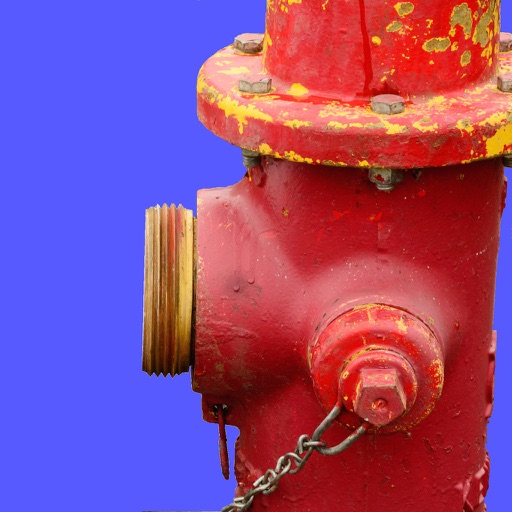
Calculate rates of hydrants and assess maximum water system using the Hazen-Williams formula. Input pipe diameter, length, and pressure to determine . Results displayed in imperial units.
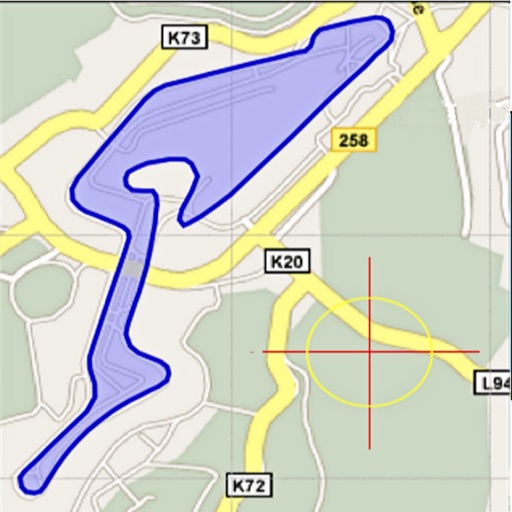
Area, lengths, and angles on maps using an interactive crosshair. Trace outlines to create connected points, updating area and perimeter in real time. Adjust radius for scaling features. View dynamic length and angle as you move the crosshair.
The app helps users minimize material waste by producing a cutting plan for lumber, sheet goods, and other materials. It accommodates various units and material sizes, factoring in saw blade width and wood grain for sheet goods.
Distances, heights, widths, and lengths using your phone's camera. Calculate area with the area tool. Save measurements, remove limits, and export data to Excel. Includes flashlight and screenshot features. No ads with premium subscription.
Measure angles with horizontal, vertical, and dual-axis guides. Use bubble and circle levels for precise alignment. Set custom zero points for relative measurements. Lock readings for easy recording. Display real-time degrees and visual indicators.
Calculator helps users compute offsets and rolling offsets for precise layout planning. Input measurements to calculate basic or advanced rolling angles. Generate detailed reports and save calculations for future reference.
Measure objects or distances using AR technology. Switch between units for accuracy. Create sketches with text editing options including size, color, and positioning. Share measurements and sketches directly from the .
The app records vehicle travel data, displaying real-time measurements like speed, distance, and altitude. It offers features such as trip recording, customizable themes, speed limit alerts, and HUD mode.
Convert lengths between metric and imperial units. Switch between meters, centimeters, inches, and feet. Input values manually or via voice. Save frequently used conversions. Share results via copy or email.