Edit photos with stretching, squeezing, pinching, and prodding tools to create surreal effects. Apply advanced image manipulation techniques similar to professional software. Export edited images in various formats and share directly.
Play a fast-paced arcade shooter with one-touch shooting mechanics. Use various weapons like guns, shotguns, and bows. Explore western towns, villages, and mines. Complete levels, defeat bosses, and rescue a princess.
Edit photos with effect and features. backgrounds and apply black-and-white conversion. Select areas for contrast. Zoom with two-finger pinching. Adjust brush size, opacity, and offset. Export edited images.
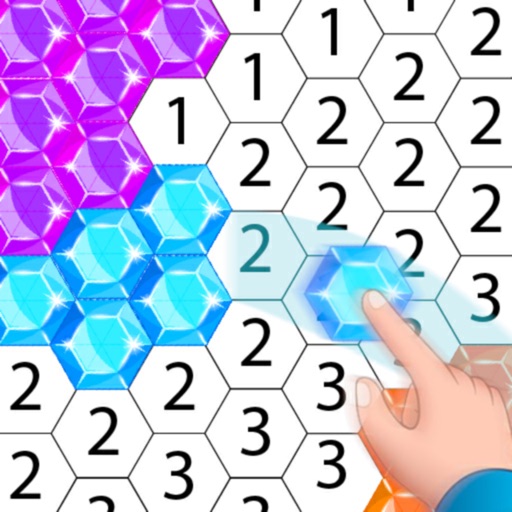
Create artwork using , gem, flower, and other materials. Select images from various categories and follow numbered steps to complete drawings. Customize colors and save creations. Share finished pieces with others.
The app provides a 3D pixel editing experience for creating sculptures, icons, and game levels. It offers tools for users of all ages, including layering and keyframe animation for more complex creations.
Coloring game lets users select from various food-themed images to . Import personal photos or take new ones to customize difficulty. Save created artwork in a gallery. Share finished pieces with others.
Convert pixel-based graphics into scalable vector formats. Import images, convert them to vectors, and export in various formats. Edit vector elements, adjust paths, and save for use in design projects.
Create pixel art by selecting images of varying sizes and difficulty. Choose from a large collection of free images or design custom pixel art. Paint by number with pre-colored sections and customize colors. Save and share completed artwork.