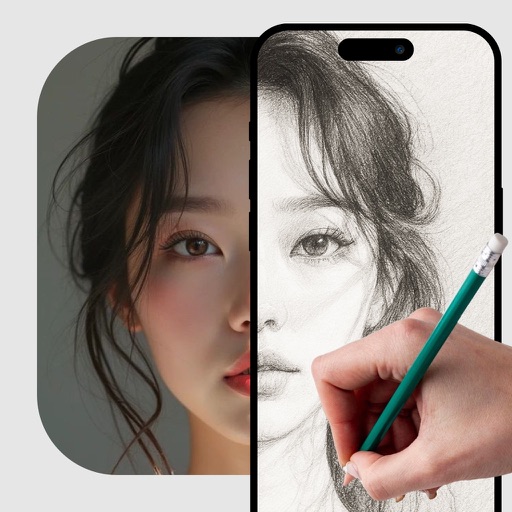
Use camera to project image outlines onto paper for tracing. Choose images from gallery or collection. Follow lines to practice sketching. Suitable for beginners, artists, and students. Improve hand-eye coordination.
Create large posters, banners, or wall art using a regular home printer. Choose between grid layout with fixed paper count or set exact dimensions for the . Print images or PDFs across multiple pages and assemble them into one large piece.
The app transforms photos into halftone and rasterized artwork using dots, lines, and shapes. It offers creative modes like Grid, Interlaced, Radial, and Photo, with options for bicolor, multicolor, or full color.
Edit photos with unblur, object removal, and background cleanup tools. Apply AI filters, artistic styles, and motion effects. Create photo animations with one tap. Export and share edited images directly.
Create art with layer editing tools including adding, deleting, duplicating, hiding, sorting, and grouping layers. Use blend modes and transparency settings. Access various tools like pen, eyedropper, eraser, and selection.
Plan and style rooms using AI-driven design suggestions and a 3D . Arrange furniture, visualize layouts, and explore design options. Import existing measurements for accurate planning. Generate realistic 3D views of proposed designs.
Convert text into images using AI. Enhance photos with AI elements. Increase resolution for detailed visuals. Position images with precise control. Edit and refine AI-generated art. Export final designs in various formats.
Create art using a continuous for each color. Select an image, choose thread colors and nail count. The generates a step-by-step guide. Customize canvas color and up to 10 thread colors. Adjust circle diameter and thread width for realistic results.
Create digital art using augmented reality features. images from uploaded files or projected visuals for precise sketching. Draw directly on paper with built-in tracing tools. Export artwork in multiple formats and share drawings.