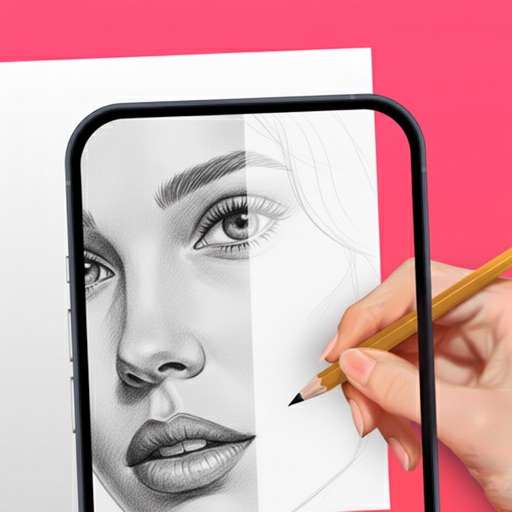
Create sketches in short sessions by selecting images from a library, camera roll, or camera. Adjust image display with pinch, pan, and rotate. Overlay images for reference. Save drawings automatically and review progress over time.
by Kazuaki Matsuda★ 4.04 ratingsGraphics & DesignFreeData updated 2026-09-06
Detect objects in real time using the camera or classify images instantly. Access a large database of AI-powered objects. Receive detailed descriptions and educational information about detected items. All processing occurs locally on the device.
Identify colors by pointing camera or selecting images. Get names, Hex codes, and RGB values. Detect multiple colors at once. Save favorite colors to history.
Add filter effects to photos by importing from the library or using the camera. Save favorite for quick access. Adjust brightness, contrast, and saturation. Export edited photos in various formats.
Use phone camera to project images onto surfaces for tracing. Access templates for drawing and coloring. Color traced images to create artwork. Share finished drawings directly.
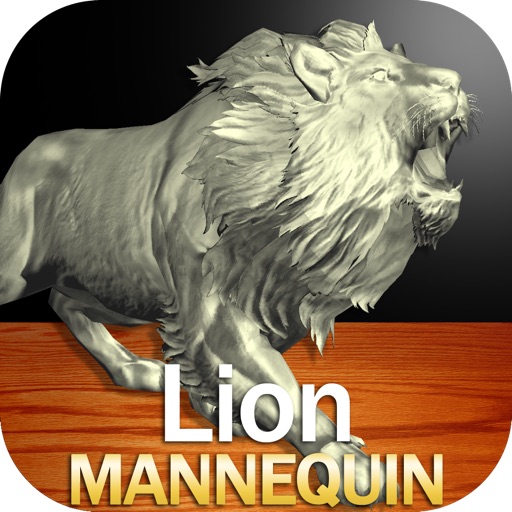
Draw a in any pose by adjusting joints and limbs. Use poseable models and reference tools for accurate positioning. Apply skins for detailed textures. Customize camera angles and backgrounds.
Create and share sketches with realistic brush strokes and modeling effects. Study forms, shapes, and architecture. Save drawings to photo library or social media platforms like Twitter, Facebook, and Sina Weibo.
Create photorealistic images featuring your face and body using AI. Train a personal AI with your photos. Generate images from text prompts or reference photos. Edit and export final photos.
Calculate decayed activity using mCi or Bq units. View decay charts with tap-to-examine features and customizable input parameters. Save chart snapshots to camera roll. Estimate dose rates for isotopes as point sources at specified distances.
Use camera to and in real-world environments. Apply colors and textures with touch gestures. Adjust brush size and opacity. Save and share drawings directly. Sync with design tools for further editing.