Edit photos with neon, shadow, and synthetic effects. Adjust brightness, contrast, and color. Add text, stickers, and transparency. Apply blur, cartoon processing, and halftone patterns. Invert colors and use copy-paste tools.
Cut long videos into precise segments for . Trim selected parts with accurate timing. Export clips to share on , Twitter, Facebook, Instagram, Snapchat, and TikTok. Save edited videos to device storage.
Remove backgrounds from images using automatic or manual tools. Edit photos with removal, erasing, and recovery brushes. Save and share edited images directly.
Create images, drawings, and paintings with customizable brush settings including thickness, color, transparency, and dynamic intensity. Sketch and modify simple graphics for logos, clothing, hairstyles, and more.
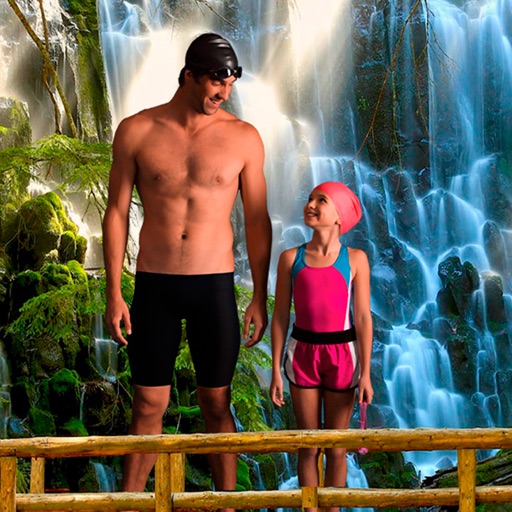
Select a from the collection. Crop a photo by pressing the silhouette button and drawing the desired area. Place the cropped image within the chosen scene. Share the final composition.
Remove with automatic portrait recognition or brush matting tools. Choose from multiple shape options for precise masking. Add color line strokes to edited areas. Export modified images directly.
Select a monument from the collection. Crop a photo by pressing the silhouette button. Draw the desired area your finger to cut out your figure. Position yourself within the chosen image section.
Enhance photos with AI-powered unblurring and restoration. Adjust clarity, brightness, and contrast. Crop and resize images. Save and share edited photos directly. Restore old or damaged images to high definition.
The app provides tools for photo editing and stop-motion video creation. Users can capture or load photos, apply effects, and arrange them to build stop-motion and time-lapse videos.
Take photos or select images from the gallery. Position, resize, and rotate a mask overlay on the . Apply filters and adjust the mask. Share the final image on social media or via email. Switch masks or edit the as needed.
Edit videos, erase objects, remove unwanted elements
Edit videos by removing objects, people, or unwanted elements. Use a magic tool to clean up clips quickly. Erase specific areas with precision and save edited videos for sharing.
Edit videos by cutting, merging, and reversing clips. Add watermarks and text. Rotate videos and customize covers. Modify direction and adjust cover images.