Transform photos into dynamic videos and animations
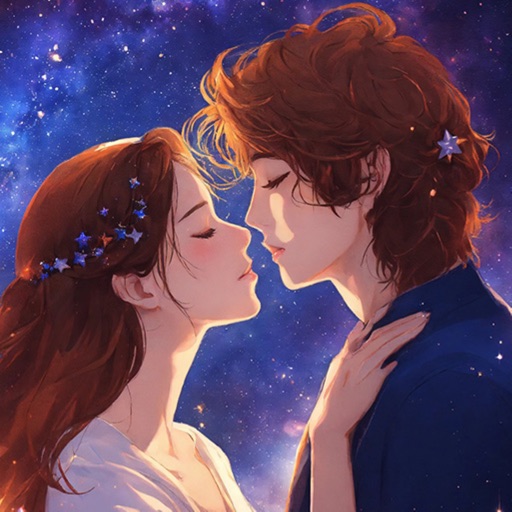
Create lifelike talking videos from photos with accurate lip-sync and realistic expressions. Customize speech, language, and style. Generate cinematic AI scenes, future-baby predictions, and transformations.
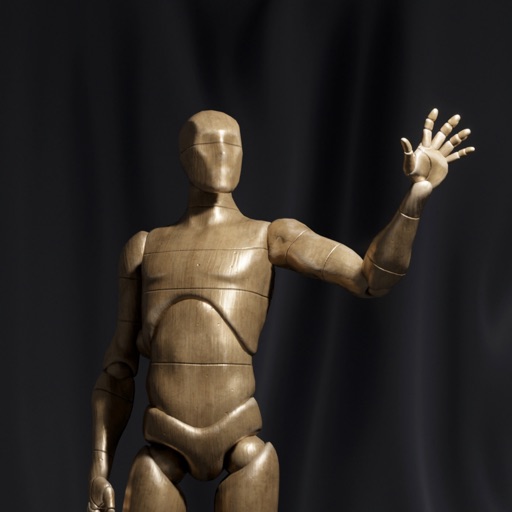
Create and customize 3D using flexible pose libraries. Apply shading presets like toon shader. Adjust shapes, animations, expressions, camera, and lighting controls. Import and export 3D models. Edit and refine appearances with advanced tools.
Learn to draw any subject with customizable color tools. Adjust settings for pencils, pastels, and brushes. Save artwork to camera roll and share on Facebook or Twitter.
The app uses live-calculated brushes and strokes with HDR values for a unique art style. It offers gritty paper/canvas textures that interact with drawing tools for a satisfying look.
Write on PDFs, create notebooks with customizable templates, sketch notes on a large freeform canvas, and take notes on vertically extended pages. Organize content across different document types and layouts.
Create and customize 3D using pose libraries. Apply shading presets like toon shader. Adjust shapes, animations, expressions, camera, and lighting controls. Edit and refine 3D models for various creative projects.
Train observation and anatomy skills with timed figure sessions. Select pose duration, choose from photo galleries, and start immediately. A summary displays performance after each session.
Create and edit and drawings for home screen and lock screen widgets. Draw with Apple Pencil or finger, type with keyboard. Customize backgrounds, colors, fonts, and zoom for details. Combine text and drawings in one note. Share as images or text.
Generate AI-enhanced photos with cinematic and aesthetic styles. Edit facial features, apply filters, and adjust lighting. Share directly to social media platforms.
Create drawings with realistic pencil, marker, and crayon tools. Choose from bright and soft color options. Use notebook-style pages for sketching, doodling, or coloring. Save and share drawings directly.
Create plays using a drag & drop interface that snaps to players. Plays animate automatically with optional or synchronized actions. Build full playbooks by dragging plays from a library and export as shareable links or PDFs.
Select presets from brands like Prismacolor and Faber Castell. Import reference images to begin color picking. Choose from predefined sets including 150s, 132s, 72s, and 48s.
Create art with customizable drawing tools and templates. Access packs for calligraphy, mandalas, and artist-inspired paintings. Choose from themed categories like Ink. Practice drawing techniques and explore creative exercises.