Collaborate on shared photo albums, upload and view images in real time. Invite friends to join projects, comment on photos, and download edited versions. Sync across devices and manage access permissions.
by Huy Kieu Thanh★ 1.01 ratingsPhoto & VideoFreeData updated 2026-09-06
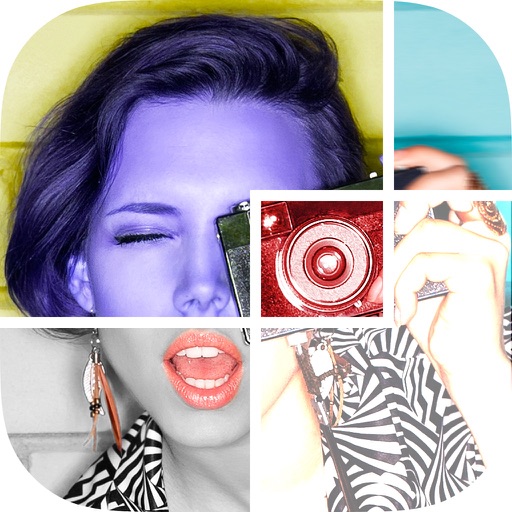
Edit photos with , , and collage tools. Create montages and custom collages. Adjust brightness, contrast, and saturation. Add text and stickers. Share edited images directly.
View photos with a dolphin companion overlay. Add personal photos to create memory frames. Watch curated dolphin videos. Share edited images and videos directly. Sync photos with the Dolphin frame for display.
Share photos and receive community feedback through voting and rankings. View and comment on others' images. Get inspiration from featured content and track progress in skills.
Edit photos with , art, and vintage filters. Adjust contrast, saturation, and temperature. Add scratches and speckles for a nostalgic effect. Export and share edited images directly.
Photos with a single . Resize and optimize images effortlessly. Preview edits in real time. Adjust colors, rotate, and sharpen images. Remove unwanted areas or zoom in with precision. Share edited photos directly.
Apply filters and adjust settings to modify hairstyles in photos. Choose from a variety of haircuts and styles. Edit images from the gallery or camera. Save and share edited photos directly.
Adjust image hues, saturation, and brightness. Apply binarization, smoothing, and mosaicing. Add noise and reduce color depth. Save and share edited images.
The app allows users to share photos on iPhone, iPad, and the website. Users can organize photos in private or shared galleries and view friends' or public galleries.
Edit with 25+ filters, 18+ tools, and 55+ across four categories. Adjust brightness, contrast, and color. Add textures and glow. Save and share edited images directly.
View photos and videos from the wedding in a simple, easy-to-navigate menu. Share selected clips and images with friends. Edit and export content in HD format.
Apply New -themed photo frames to images. Choose from various frame styles and animations. Share edited photos directly to social media or messaging apps. Adjust frame settings for fit and timing.
Edit photos using a node-based workflow. Adjust layers and compositing settings sequentially. Modify earlier steps to update the entire composition in real-time. Export edited photos in high resolution.
Create photo collages by selecting and arranging images. Adjust layout, colors, and borders. Export collages in various formats and share via email or social media. Import photos from devices or cloud storage.
Create realistic AI videos and composite photos. faces in images and videos. Edit AI-generated content with built-in tools. Transform avatars into unique styles. rt using AI features. Export edited videos and images.
Organize and manage photos with AI-powered classification and labeling. Compare images to find similar ones. Delete duplicates to free storage space. Create or sort into albums for better organization.
View photos and videos from cloud storage services like Google Photos, WD MyCloud, Dropbox, Facebook, Amazon, Box, OneDrive, Flickr, and 500px on Apple TV. Log in to access albums and photos.
Extract frames from videos, GIFs, and Live Photos to save as high-quality images. Create Live Photos from images or video clips. Trim video segments to focus on key moments. Save and share edited content directly to albums or with others.
Edit photos with AI-powered enhancements, facial refinement, and background removal. Apply creative styles like emoji or Ghibli art. Remove objects and adjust colors automatically. Export edited images in various formats and share directly.
Edit photos with color filters, brightness, and contrast adjustments. Add stickers and text. Apply film-inspired presets and advanced camera controls. Export edited images in multiple formats.
Upload a selfie to identify and locate where you appear. Analyze facial features to match and display relevant images. View matched instantly without browsing through albums.