
iPhone Screenshots


Description
Photos with a single . Resize and optimize images effortlessly. Preview edits in real time. Adjust colors, rotate, and sharpen images. Remove unwanted areas or zoom in with precision. Share edited photos directly.
Click 2 Crop – Fast & Easy Photo Cropping
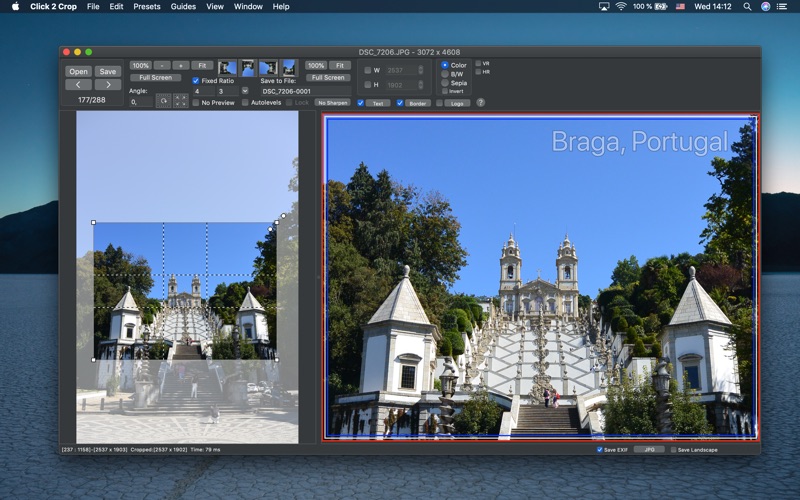
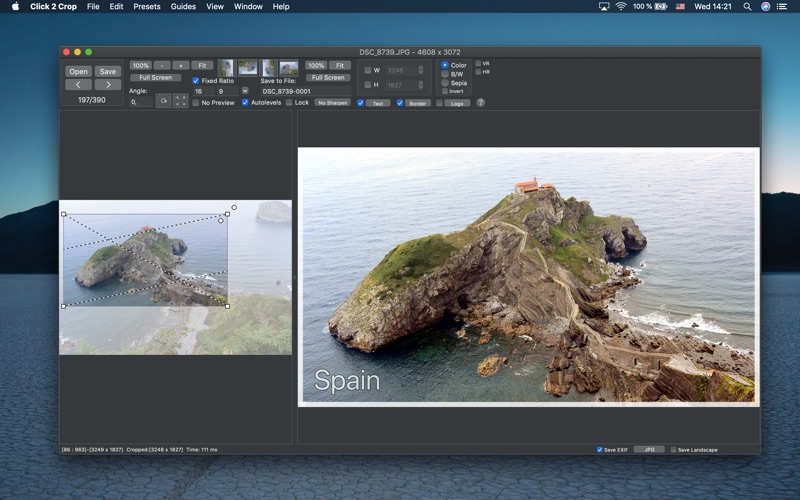
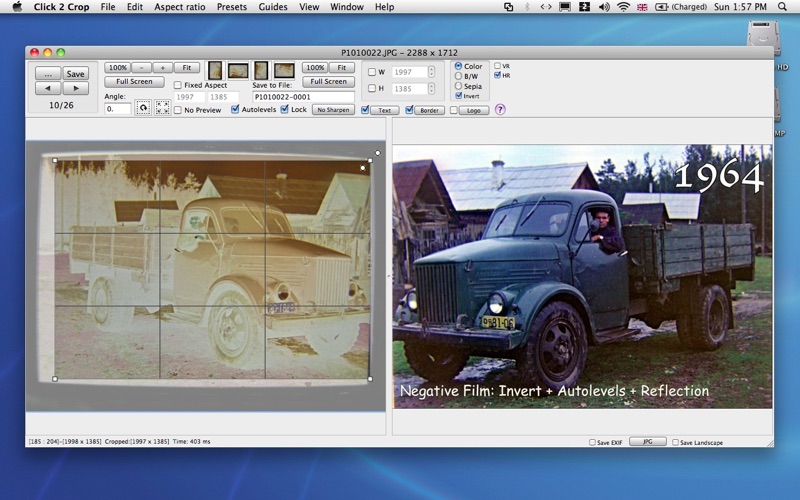
Click 2 Crop is a powerful yet easy-to-use photo editor designed for speed. With just a few clicks, you can crop, resize, and optimize your photos effortlessly. The intuitive crop tool provides a real-time preview, allowing you to remove unwanted areas or create zoomed-in effects with precision.
Key Features:
Real-Time Editing – Instantly preview changes without needing to save.
Essential Enhancements – Adjust colors (auto-level), rotate, sharpen, add text captions, apply borders, and more.
Configurable Presets – Save time with custom presets that combine aspect ratios, export sizes, overprinted borders, logos, copyrights, and text. Perfect for print, social media, AI/ML dataset preparation, and more.
Whether you're preparing photos for printing, social media, AI/ML training, or professional use, Click 2 Crop makes the process fast and seamless.