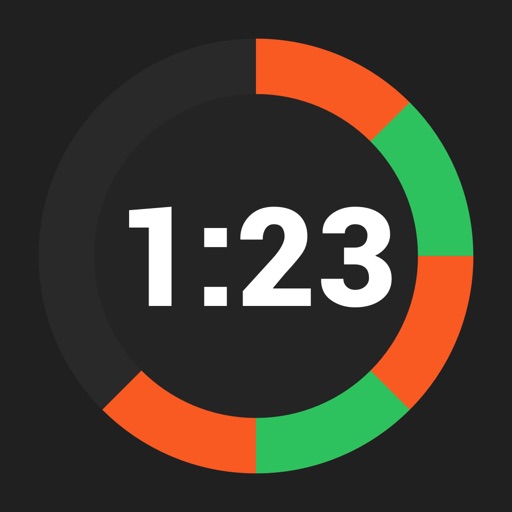
Start and stop directly from the Home Screen using widgets. Track and control from the Lock Screen or Dynamic Island with Live Activities. Create multiple customizable with specified intervals and labels. Pause, resume, and restart as needed.
by Jakub Szulaczkowski★ 5.08 ratingsUtilitiesFreeData updated 2026-09-06
Create and save multiple timers with customizable settings. Set time limits for color changes and thresholds. Adjust colors and animations. Track elapsed time with inverted colors after reaching zero. Control timers with simple touch gestures.
Create multiple preset timers with customizable settings. Set repeat intervals for Pomodoro sessions. Add reminders with time or percentage alerts. View remaining time visually. Adjust configurations for different tasks.
Track habits and progress with custom icons and notes. View daily tasks in grid or list format with swipe actions. Use reset timers and visual progress rings. Switch between light and dark modes.
Workout timer and counter combine to track time and repetitions. Save custom timers for repeated use. Focus on exercises without counting manually. Suitable for interval training, yoga, strength sessions, and more.
Manage timers at the same time. Create and save custom timers with color-coded labels. Set repeating intervals and alarms. Adjust durations and view progress visually. Share timers via links or export as files.
Record and organize notes in categories like jogging logs, study logs, and meal logs. Create timestamps for quick entries and fill in details later. Export data to CSV format for backup or analysis.