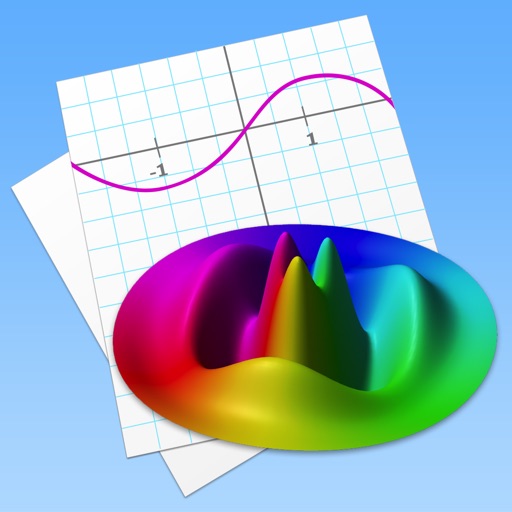
Allows users to plot functions, implicit relations, and parametric curves. It supports 3D graph visualization in AR. Features include inequality plotting, vector fields, and coordinate transformations.
Practice with addition, subtraction, multiplication, and division
Practice arithmetic with addition, subtraction, multiplication, and division. Select a difficulty level to start. Combine six numbers in bubbles with mathematical operations to match the target number at the bottom right.
Create 3D room visualizations using AI. Upload a photo to analyze and restyle a space with chosen design styles and color palettes. Adjust lighting, furniture, and . Export or share design concepts for real-world application.
Enlarge and display characters for detailed study. Select from Gothic or Mincho fonts and view stroke order. Access full-screen mode with horizontal scaling. Use Wiktionary to check pronunciation, kun readings, and meanings.
Apply true black-and-white dithering to photos and videos, creating pixel- visuals. Adjust color palettes to mimic vintage computer graphics or classic GIFs. Export transformed in various formats and share directly.
Identify correct answers on scrollable images of . Track progress with a star system and percentage meter. Access answer keys for each mode. Take a final exam combining all modes. nd share report cards. Incorrect answers affect star scores.
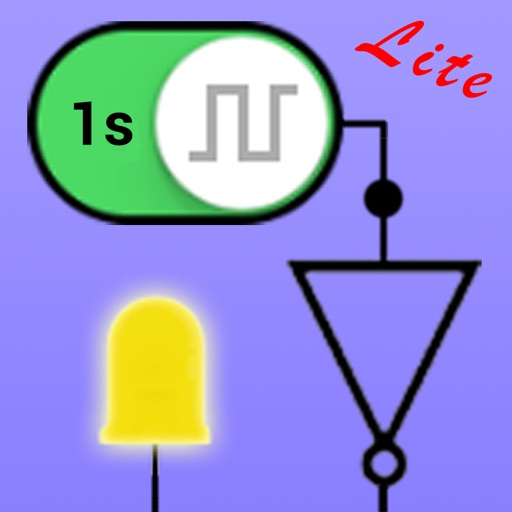
Create circuits using logic gates and basic building blocks. Wire components on a flexible plane. Simulate real-time behavior. Learn fundamental concepts of engineering and computer science.
Scientific calculator allows complex equation solving, graphing in portrait and landscape modes, and polynomial root finding up to 10th degree. Adjust font sizes and graph line widths. Solve systems of equations and matrices.