
iPhone Screenshots

Description
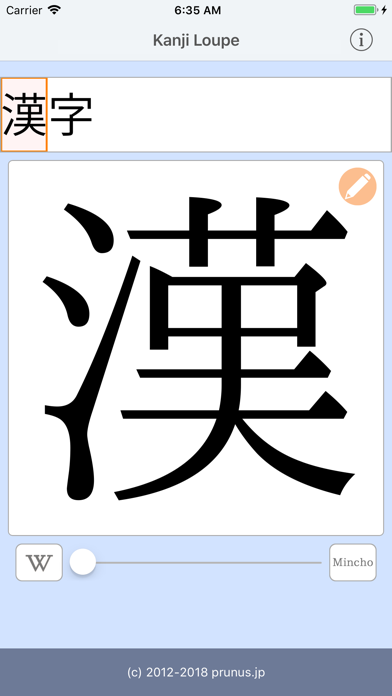
Enlarge and display characters for detailed study. Select from Gothic or Mincho fonts and view stroke order. Access full-screen mode with horizontal scaling. Use Wiktionary to check pronunciation, kun readings, and meanings.
Kanji Loupe is an application that enlarges and displays entered characters.
"How do you write that kanji?"
Please use it at such time.
Complex Kanji also can be enlarged and displayed accurately.
You can also display the writing order, so you can use it for learning kanji.
You can also use Wiktionary to understand pronunciation, kun reading, and the meaning of kanji.
# Features
* Enlarged text
* Selectable fonts (Gothic / Mincho / stroke order)
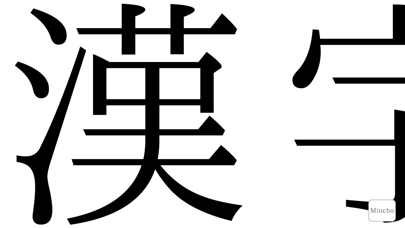
* Full screen display (horizontally scalable)
* Confirm reading method and meaning of kanji in Wiktionary
# Operation method
* Enter the characters you want to enlarge.
* To change the enlarged character "Swipe characters" "Tap letters at the top of the screen" "Operate the slider at the bottom of the screen".
* You can change the font by pressing the button on the bottom right.
* When you press the button on the bottom left, Safari will start up and you can view information on the displayed characters.
* To re-enter letters, tap the pencil button.
* You can zoom in and out by pinch in and pinch out on the horizontal screen.