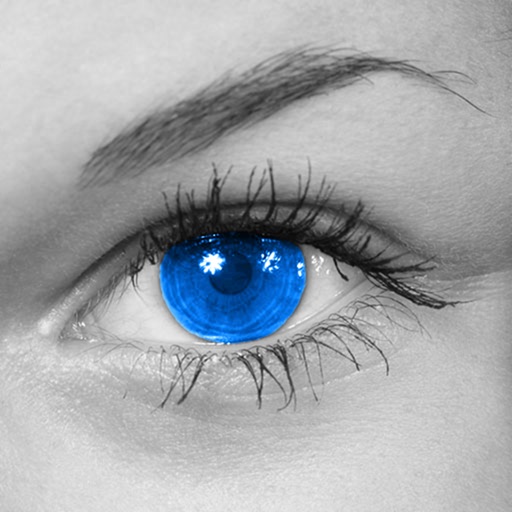
Edit photos with eye detection tools. Change eye and lens style. Adjust pupil size and shape. Remove red eye and whiten eyes. Add sparkle effects and rotate them. Morph face shape for enhanced edits. Export edited images directly.
Allows users to select from 60+ illustrations. Choose from four realistic drawing tools including watercolor. Paint using artist-created patterns. Save and share completed pages.
Edit photos with splash effects, convert images to black and white, or apply custom colors. Add filters, zoom in on photos, and use a brush tool. Export and share edited images directly.
Edit photos by importing from camera or gallery. Add glasses, mustaches, beards, hats, and bowties. Resize, rotate, adjust transparency and color. Erase parts of accessories for a custom look. Share edited photos directly.
Detect colors in real-time using augmented reality. Convert hex, RGB, HSL values. Save and organize palettes. Share colors via link or copy code. Sync across devices.
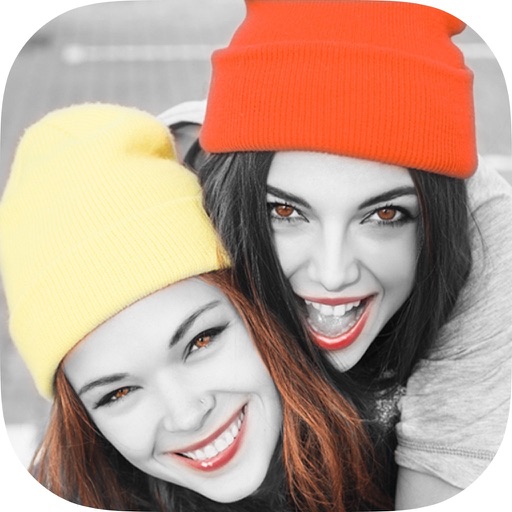
The app converts photos to grayscale while allowing users to selectively recolor areas. Users can paint, zoom, and erase to create color splash images.
Edit photos with filters, masking tools, and multiple filter layers. Apply selective filters using advanced masking to create effects like color splash or tilt shift. Adjust and combine filters for custom results.
Edit photos to create color splash or color pop effects. Select specific areas to color while keeping the rest and . Adjust color intensity and apply artistic filters. Share edited images directly.
Apply filters to photos for pop art, monochromatic, or ink drawing effects. Adjust color palettes from 90+ options. Import and export photos unlimitedly. Share edited images directly. Create stencils for silk screening.