
Colorist :Pop Art Photo Editor
Edit photos with pop art filters
Vineeta Khatuja
iPhone Screenshots


Description
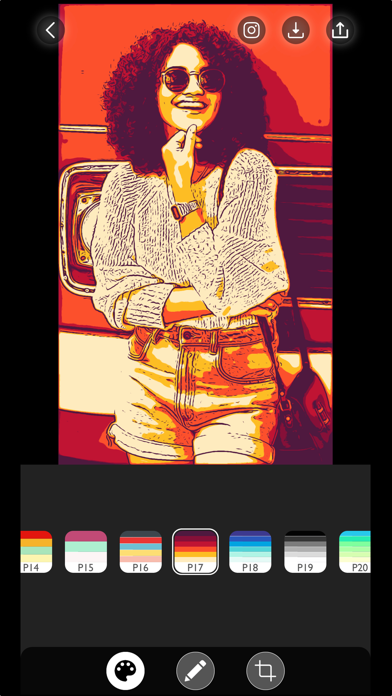
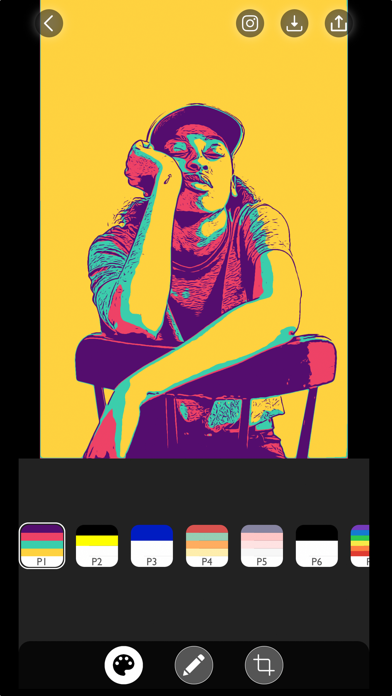
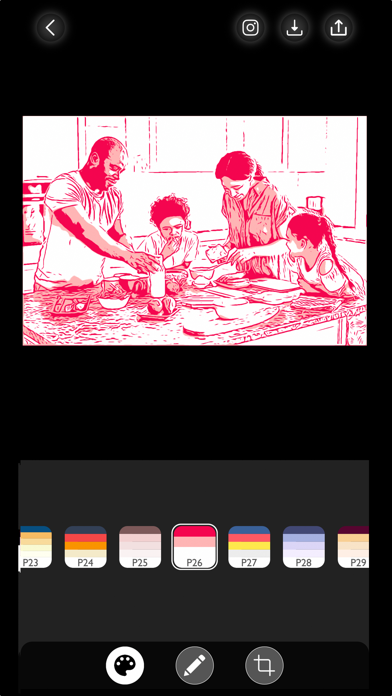
Apply filters to photos for pop art, monochromatic, or ink drawing effects. Adjust color palettes from 90+ options. Import and export photos unlimitedly. Share edited images directly. Create stencils for silk screening.
Colorist app transforms your world to living pop art, monochromatic paintings and ink drawings with its live camera preview photo filters. You can take pop art selfies, create stencils for silk screening or transform your existing photos to Andy Warhol and
Shepard Fairey style art with over 90+ color palette options to choose from.
In the FREE version we provide:
* 6 FREE selectively curated color palettes.
* Unlimited photo imports from the photo library.
* Unlimited photo export and shares.
* HIGH-RESOLUTION image export.
In the PRO version we provide:
* Unlimited access to 90+ color palettes
* Illustration outlines and color adjustment tools.
* Editing tools to fine tune the sketches.
* Image export without watermark.
* Access to all the Premium Photo Filters.
We truly value your privacy. All of your data is processed LOCALLY and INSTANTLY on your device. Your photos data is entirely private and never leaves your device.
If you have any questions or feedback for us, please write to us at [email protected]
Terms of Use https://www.mytoonist.com/colorist-terms-of-use/
Privacy Policy https://www.mytoonist.com/colorist-privacypolicy/