Measure angles between two surfaces using accelerometer and gyroscope. Determine angles between lines on a plane by aligning device edges. Display measurements in degrees. Switch between protractor and finder modes.
Create photo collages by combining 2 to 9 images into one. Adjust size, position, and layout. Choose from various templates and styles. Add stickers, frames, effects, and patterns. Share finished collages directly.
The app allows users to crop photos into a square shape for posting on Instagram. It supports both landscape and portrait orientations and offers various background options and effects.
Add and captions to and videos with customizable fonts and styles. Include balloons for dialogue effects and adjust size, color, and alignment. Trim video clips and select areas. Support 9:16 full-screen format.
Convert rectangular photos to (1:1) or portrait (4:5) formats. Select media, choose layout options, and share directly. Add white frames and adjust background colors for clean, framed visuals.
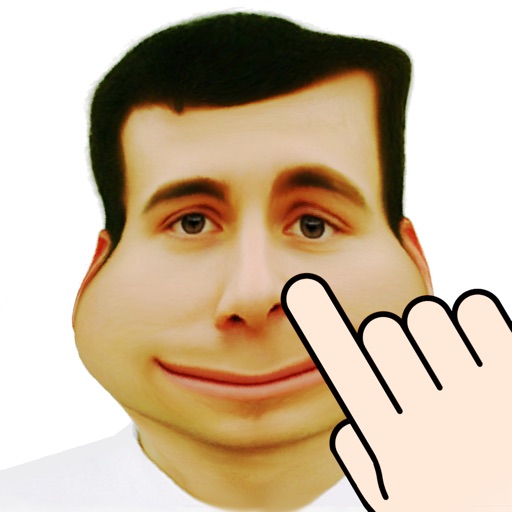
The app warps pictures, making them funny. Users can take new photos or select existing ones to modify by touching the screen or using a random button.
Edit videos with speed control and custom filters. Create clips from multiple videos. Adjust image and sound settings. Crop photos intelligently. Apply customizable effects and export final edits.
Edit photos by selecting images from the library and using an adjustable brush tool to mark areas for removal. The employs inpainting algorithms to seamlessly eliminate unwanted elements and blend the background.
Documents and save as PDF in a selected folder. Single tap to start scanning. Automatically detects and crops documents, fixes skew, and names files with timestamps. Uploads to without manual selection.
Scan documents by automatically detecting the area or manually snapping photos. Adjust borders, select color modes, and fine-tune brightness. Create multi-page documents and organize files effortlessly.
Select and edit photos to add . Choose from various cap styles and position them on the head. Adjust cap fit and appearance. Save and share edited images.