
Scan Boss for Google Drive
Documents and save as PDF
Tech Positive Inc.
iPhone Screenshots



Description
Documents and save as PDF in a selected folder. Single tap to start scanning. Automatically detects and crops documents, fixes skew, and names files with timestamps. Uploads to without manual selection.
Scan any document and save PDF in your chosen Google Drive folder automatically.
• Single tap operation
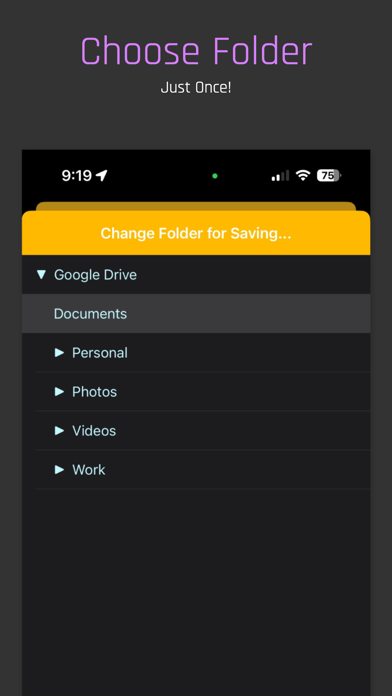
• Link to Google Drive and specify folder just once
• Ultrafast PDF conversion and upload
• Multi-page scanning.
• Automatically names the PDF with time-stamp
• Automatically detects document and keeps tracking it as the camera moves.
• Automatically crops the document to edges.
• Automatically fixes skewed documents in the scan.
• Choice to turn off automatic mode.
• Choose multiple Google Drive folders and switch between them on the fly as you scan.
• Option to save standard or searchable PDF.
Scan Boss is the only app of its kind and saves tonnes of time for your business or personal use.
See our terms of use at http://techpositive.co/terms