Record and edit files using multitrack editing. Cut, trim, and split segments. Apply effects and use a professional equalizer. Mix tracks and export in various formats. Share edited files directly.
Learn music by ear with stem splitting, sheet music generation, and playback controls. Adjust individual stems for bass, vocals, drums, and other instruments. Generate sheet music for audio or video.
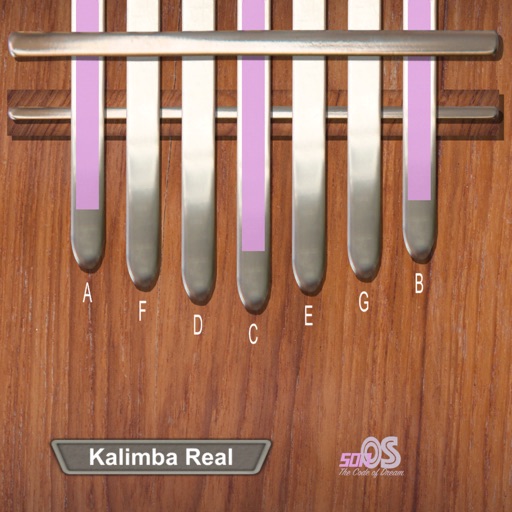
Learn to play the with interactive lessons and a full 17-key instrument. Access over 650,000 songs from music songbooks. to a real for note recognition. Play daily challenges, view global leaderboards, and record audio while playing.
Record and play files. Edit with cut, copy, paste, trim, fade, and silence insertion. Normalize and reduce noise. Adjust tempo, speed, and pitch. Use a 10-band equalizer and compressor. Split vocals and accompaniment. Remove reverb and clean voice.
Remove vocals, instrumental tracks, and 8 musical instruments from audio files. Extract background from recordings. Preserve original bitrate and format when isolating elements.
Analyze audio songs in the iOS music library to display symbols. View chords in graphical piano keyboard or guitar tab formats. Practice and play songs using displayed chords.
Play from Dropbox, OneDrive, and Google Drive. Organize files, create playlists, and manage library. Support background playback and lock screen mode. Shuffle and repeat songs. Control playback with in- .
Play files from Google Drive, Dropbox, and Apple . Organize songs by artist, album, or genre. Create playlists and access favorite tracks. Stream without internet. Control playback with basic controls.
Play all popular audio formats including MP3, AAC, M4A, WAV, AIFF, and M4R. Organize playlists and edit song details. Use the equalizer to adjust sound settings. Stream from the cloud or listen offline.
Play audio directly from system and cloud sources. Adjust sound with a 10-band equalizer. Control playback speed from 0.5x to 2x. Use background playback and AirPlay. Organize playback queue. Enable smart shuffle and loop options.
Manage and play files from iCloud, Dropbox, Google Drive, and OneDrive. Support MP3, M4A, WAV, FLAC, and other formats. Edit metadata and cover art. Convert audio and video to audio. Organize by artist, song, or album. Import from iTunes or library.
Real-time with customizable effects and export options. Users can import from playlists or files, select from four visual packages with eight visuals each, and adjust settings for each visual. Export visuals and share on social media.
Stream music from multiple radio stations and sources. Play, pause, and skip tracks. Adjust volume and equalizer settings. Save favorite stations for quick access. Share songs or playlists via social media or messaging.
Edit audio files by reversing playback. Adjust pitch and time stretch audio. Access pro features like equalizer, delay, and reverb. Save and share modified audio files.
Convert videos to MP3 audio and save them for offline listening. Create ringtones from songs or clips. Import files from cloud services. Play converted audio files directly or in the background. Supports multiple formats.