
iPhone Screenshots

Description
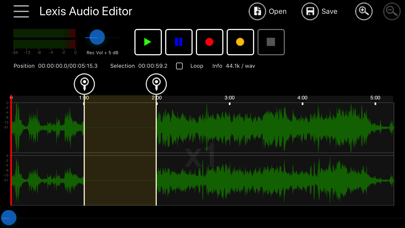
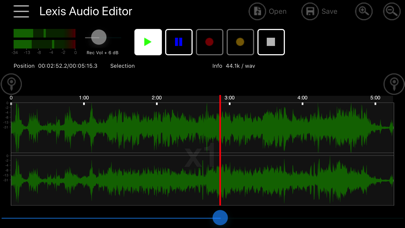
Record and play files. Edit with cut, copy, paste, trim, fade, and silence insertion. Normalize and reduce noise. Adjust tempo, speed, and pitch. Use a 10-band equalizer and compressor. Split vocals and accompaniment. Remove reverb and clean voice.
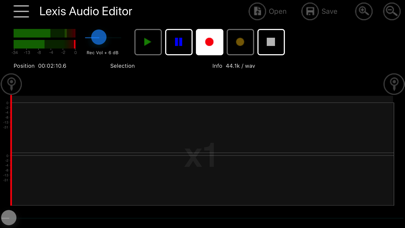
- Recorder and player
- Cut, copy and paste
- Delete, insert silence, trim, fade in, fade out
- Normalizing, noise reduction
- Record into existing file, import file into existing file
- Mixes the current file with another file
- 10 band equalizer
- Compressor
- Change Tempo, Speed, Pitch
- Splitting in vocals and and accompaniment
- Remove reverb
- Voice cleaner
- Audioformats: mp3 (-320kb/s), wav (16 Bit PCM), flac, m4a, aac and wma, video import: mp4, 3gp, 3g2
- Export and import to iCloud
- Import from iTunes