Access fonts via PC and iOS devices. Activate fonts by checking a box to install them. Manage fonts in Settings > General > Fonts. Delete fonts by unchecking the box. Update fonts as new ones are added.
by FONTRIX Inc.★ 2.52 ratingsProductivityFreeData updated 2026-10-18
The app creates industry-compliant barcodes for macOS using computer fonts. Barcodes created with fonts raster to the printer's resolution, ensuring clarity and meeting strict industry requirements.
Customize keyboard appearance with user photos as backgrounds. Choose from 1000+ themes, 100+ fonts, and endless wallpapers. Add key tap sounds, GIFs, and emoji keyboards. Enable fun effects and artistic fonts for typing.
Create promotional posters and cover photos with customizable backgrounds, textures, and effects. Add text using design fonts and include stickers. Save and share the final design directly.
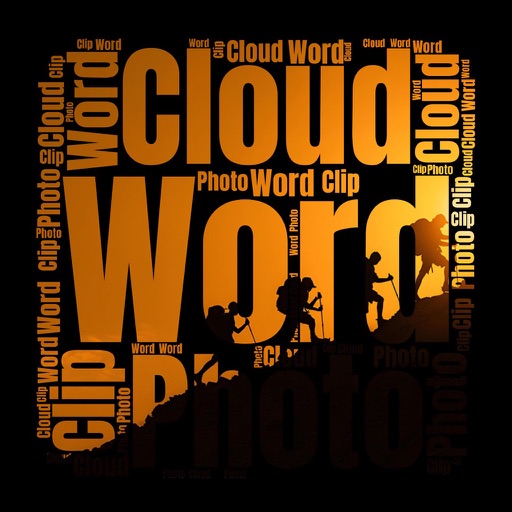
Create clouds with customizable fonts, angles, and layouts. Use photos as clipping masks. Edit and combine text with shapes for visual presentations. Save and share the final design.
Create social media covers and profile art with customizable templates, fonts, stickers, borders, and filters. Upload free stock images. Edit designs with drag-and-drop tools. Export in various formats.
Create and edit labels with text, fonts, and templates. Mix text and graphics. Print documents and labels. Connect to hardware for label making and paperless office tasks.
Create logos using AI by entering a brand name and selecting design preferences. Choose colors, fonts, and styles. Export logos in various formats and share directly.
Organize and sort PDF files in a library. Edit documents by adding drawings, sketches, and shapes. Merge multiple files into one. Add signatures and save for later. Insert text with various fonts. Import and export PDFs in different formats.
Customizable homepage with dynamic 4K backgrounds that change based on the day's mood. Set preferred themes and layouts. Open new tabs to a clean, serene interface. Sync backgrounds across devices.
Create unique signatures using AI-generated handwritten styles. Customize with fonts, colors, and styles. Export high-resolution signatures for professional use.
Create posters, flyers, and advertisements by adding text to photos. Choose from 300+ fonts, adjust size and color. Design quotes, invitations, and greeting cards. Export without watermarks. Sync with social media platforms.
Journal "Create and organize entries with rich text editing. Insert photos and images. Customize fonts and themes. Read entries in -like format. Share entries with others."
Digital displays time in 12-hour or 24-hour format. Countdown timer allows setting and tracking time intervals. Stopwatch measures elapsed time. Red color scheme available for display.
Write and organize notes, to-do lists, and journals with customizable layouts. Add photos, location, and rich text formatting. Set reminders and track time. Sync data automatically and restore backups.
Create logos using AI-generated designs. Choose colors, fonts, and styles. Customize elements like text and icons. Export logos in various formats and share directly.
Enable text customization for improved readability. Adjust font styles, sizes, and spacing to accommodate , dysorthography, and dyspraxia. Modify documents and apply formatting for better text clarity.
Convert images and videos to emulate retro computer and console visuals. Apply pixel art filters for Commodore 64, IBM PC, ZX Spectrum, Amiga, Atari ST, Sega Mega Drive, Game Boy, and more. Adjust color palettes and resolution settings.