
Dyslexia fonts - Accessibility
Format documents with -friendly
michael dardol
iPhone Screenshots
Description
Enable text customization for improved readability. Adjust font styles, sizes, and spacing to accommodate , dysorthography, and dyspraxia. Modify documents and apply formatting for better text clarity.
Install accessibility fonts and use them everywhere.
This app installs a curated set of free fonts used in schools and inclusive publishing, so you can write and reformat documents in the typeface that feels most comfortable to you:
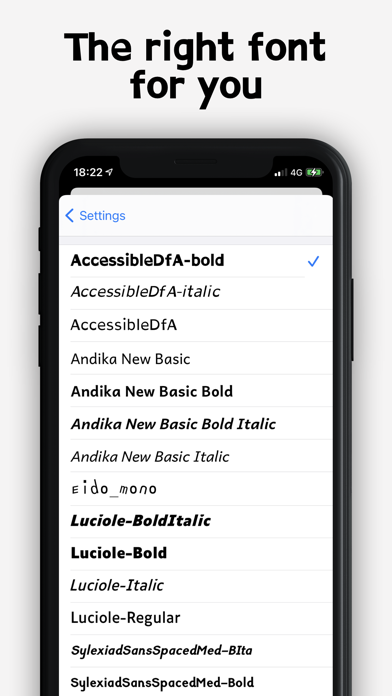
● AccessibleDfA (normal, bold, italic)
● Andika New Basic — designed for beginning readers (regular, bold, italic, bold italic)
● Atkinson Hyperlegible — created by the Braille Institute for low-vision readers (regular, bold, italic, bold italic)
● Luciole — designed for visually impaired readers (regular, bold, italic, bold italic)
● Sylexiad Sans Spaced Medium (regular, bold, italic, bold italic)
● Eido Mono
Each font has its own origin and purpose. Font choice is personal: try them and keep what feels right for you.
TIP — Beyond the font itself, try increasing the text size and the spacing between letters, words and lines. In a controlled study published in PNAS (Zorzi et al., 2012), increasing the space between letters immediately improved reading accuracy in children with dyslexia.
WITH THIS APP YOU CAN
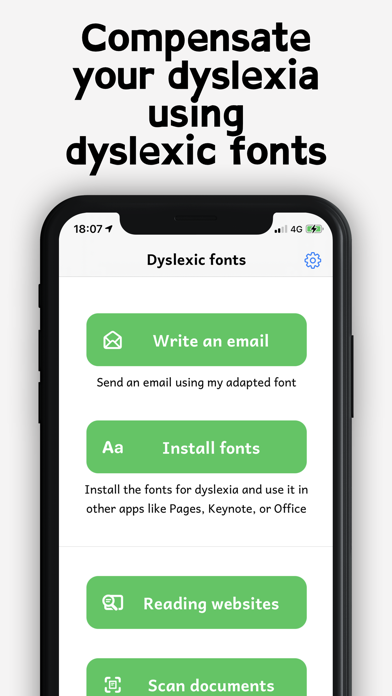
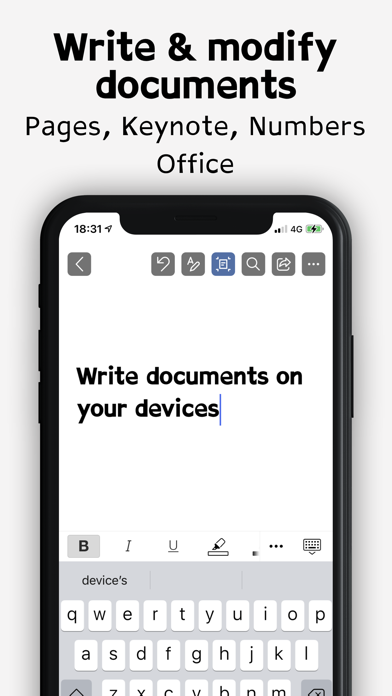
● Install the fonts and use them in other apps to write documents
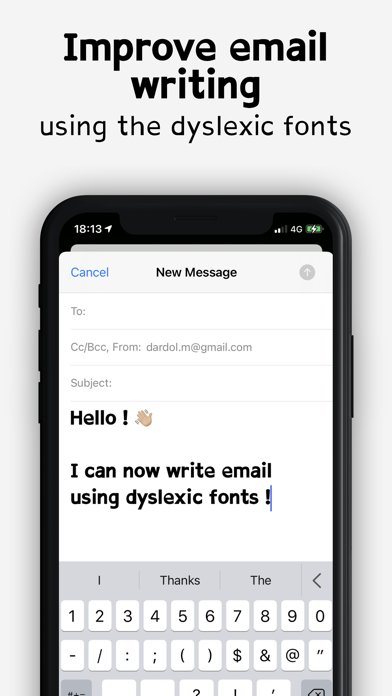
● Send emails with these fonts
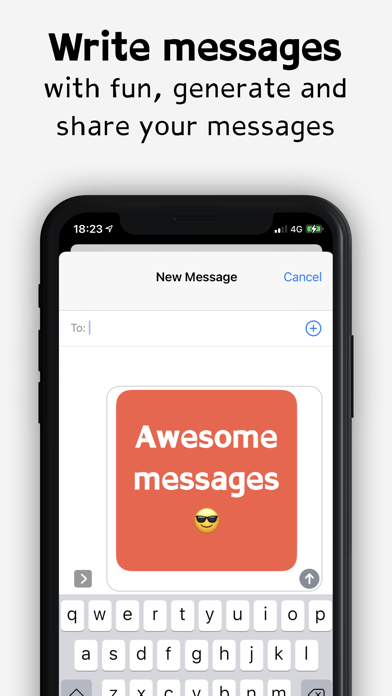
● Write messages and share them as an image
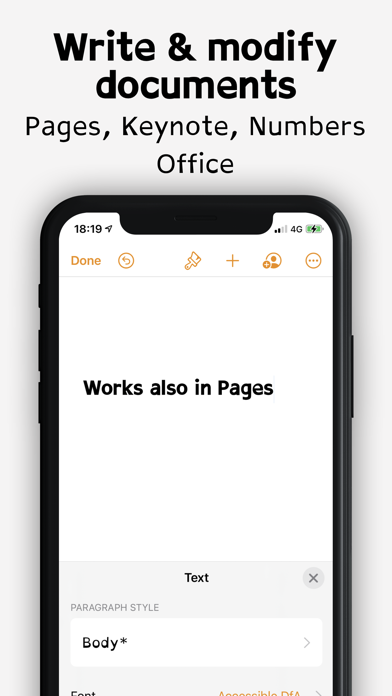
Known compatible apps: Office 365, Word, Excel, Pages, Numbers, Keynote, Cricut Design Space.
Fonts are a comfort and accessibility option. This app does not diagnose or treat dyslexia or other learning differences.