Display time with a , digital , and disc widgets. View a full-screen for prominent time display. Track progress with a progress bar widget. Access a Friday calendar widget. Adjust angles for different viewing positions.
by 磊 岑★ 4.725 ratingsUtilitiesFreeData updated 2026-09-06
Create a widget that integrates with the wallpaper. Select and trim images from the Photos . Set trimmed images as wallpaper with perspective effect disabled. Add widgets to the home screen and adjust their position by editing.
Access apps, shortcuts, and URLs directly from the Lock Screen. Place custom widget buttons with over 4,000 icons. Configure each to launch apps, websites, or shortcuts. Display custom titles on widgets. Use built-in presets for quick setup.
Offers customizable themes and widgets with support for clear and blurred backgrounds. It includes multiple timers, chimes, and alarms. Features refined animations and sound effects. Supports StandBy mode and allows custom logo setup.
Displays time until with background images and a home screen widget. Tracks progress with daily notifications. Allows sharing via Facebook and offline use.
Large Digit Bedside allows users to toggle the with a single tap, snooze it with a double tap, and adjust brightness by swiping up or down. Users can select wake-up sounds and purchase an in- feature to access over 100 theme variations.
Check time with a double-tap and receive hourly voice announcements. Switch between time zones. Set countdown and repeat alarms. Supports multiple languages.
A with iOS16 live activities and dynamic island support. Displays magnified with reading aloud. Offers lock screen and home screen widgets. Allows background color and font customization. Includes flip screen gestures and handwriting on a whiteboard.
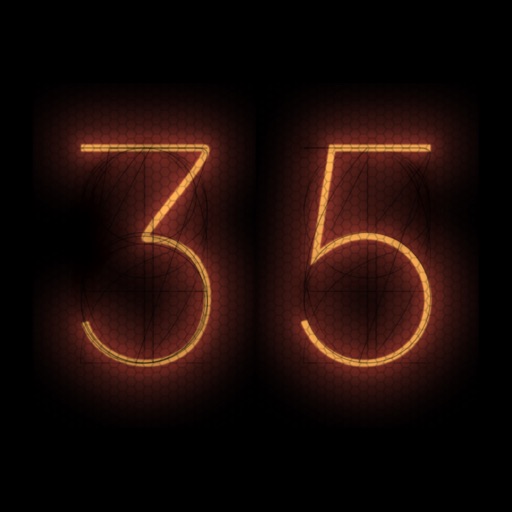
Allows users to add stylish widgets to their home screen or mode. Full-screen mode offers immersive designs like Nixie tubes, displays, and flip clocks. Users can customize time zones and adjust appearance.
Learn to tell time with an interactive analog clock. Adjust hour, minute, and second hands to set specific times. Track remaining time with a red indicator and receive alerts when the timer ends. Start timers directly from the Today widget.
View current and future times for multiple locations on a single interface. Set reminders for specific times and places. Share coordinates with others instantly. Adjust zones and track shifts visually.
Design and customize widgets for the Home Screen. Choose from modern faces, adjust colors and numerals, set time zones, and create widgets that update in real time.