
iPhone Screenshots

Description
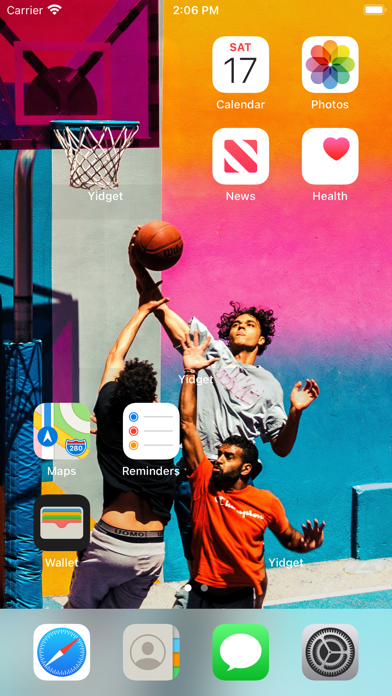
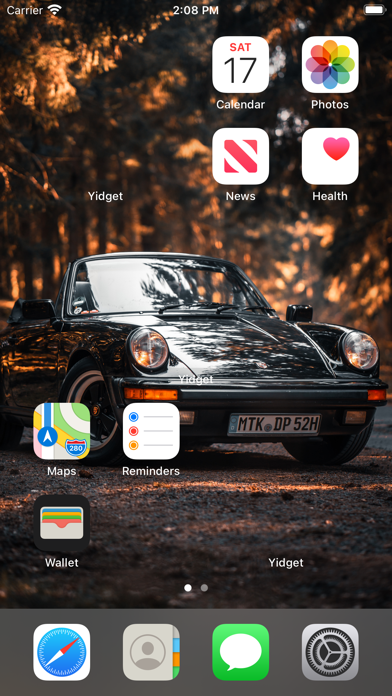
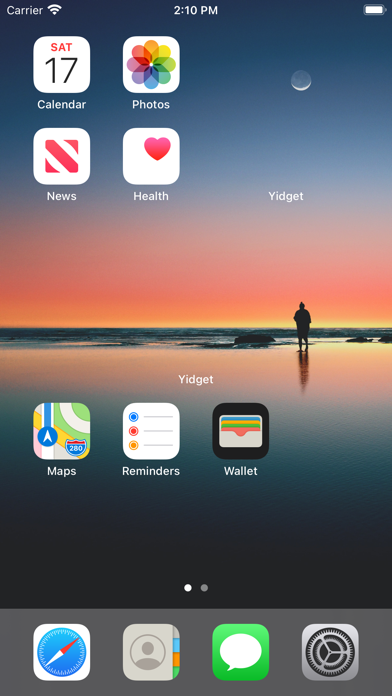
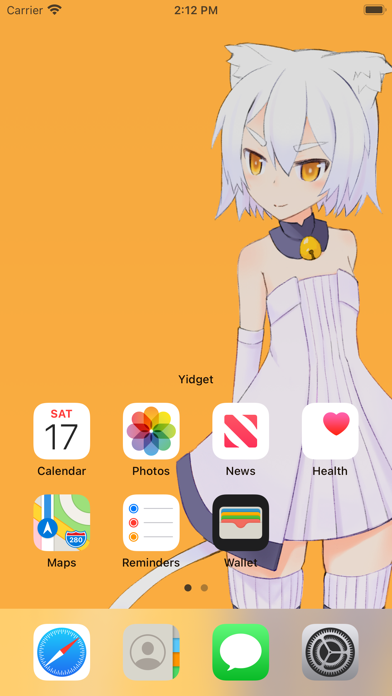
Create a widget that integrates with the wallpaper. Select and trim images from the Photos . Set trimmed images as wallpaper with perspective effect disabled. Add widgets to the home screen and adjust their position by editing.
This app creates a widget that integrates with the wallpaper.
How to use it :
・Select and trim the image and save it.
・Set an image saved from the Photos app as the wallpaper. (Perspective Effect: Off)
・Add widgets from the home screen.
・Press and hold the widget and set the position by "Edit Widget".