Create digital collages using images from your photo library. Crop and remove solid backgrounds from photos. Rotate, resize, and reposition images. Adjust background size and tint. Experiment with creative arrangements for digital art.
Edit photos with filters, cropping, and brightness adjustments. Add text, stickers, and borders. Export in various formats and share directly. Adjust colors and apply effects for enhanced visuals. Simplify editing with an intuitive interface.
The app allows users to create bubble overlays on photos, applying masks to enhance images. Users can add text and stickers to their creations, choosing from multiple wallpapers and backgrounds.
Edit photos with filters, cropping, and brightness adjustments. Add text overlays for customization. Create collages by combining multiple images. Arrange photos in customizable grid layouts.
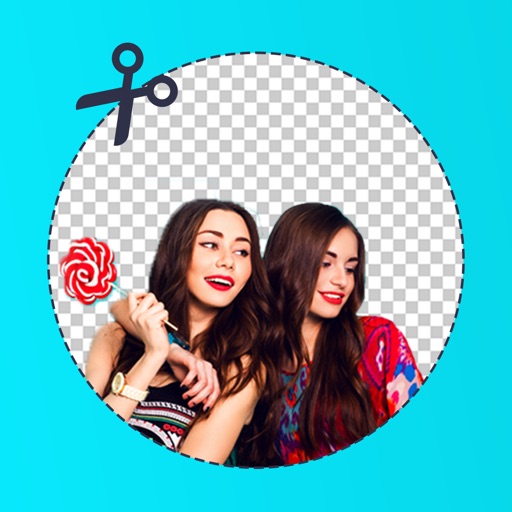
Edit photos by removing backgrounds with mode, object extraction, and quick select tools. Use transparent backgrounds for stamps and collages. Share edited images directly with other apps.
Edit photos with -themed overlays and templates. Use erase, flip, zoom, rotate, and move tools. Apply fancy crop options. Export high-quality HD images.
Edit stereoscopic images with auto-alignment and manual adjustment of L/R positions. Import L/R independent, SBS, MPO, or spatial photos. Display in SBS, mirror, 2D, anaglyph, or wiggle modes.