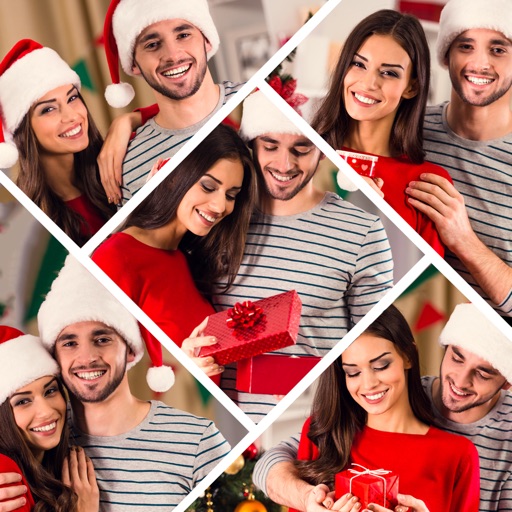
Create collages by adding photos, text, and stickers to pre-designed templates. Customize layouts, adjust colors, and apply filters. Share finished collages via social media or messaging apps.
Edit photos and videos into paintings using 31 presets and 12 professional tools. Apply AI-generated effects with machine learning assistance. Adjust colors, brushes, and textures for custom artwork. Export edited media in various formats.
The app offers pixel art creation with basic drawing functions and layer support. It allows for animation with onionskin tracing and file sharing in multiple formats.
Create and edit digital art with brush tools, layers, and color blending. Import photos and sketches. Adjust brightness, contrast, and saturation. Add text and shapes. Export artwork in various formats and share directly.
The app offers over 200 overlays and 140 filters to enhance photos. Users can add typography and artworks from a selection of over 700 artworks and 150 fonts.
The app provides tools for realistic oil painting and unique effects like Worm Pen. It features live-calculated brushes and strokes that interact with a generated canvas texture.
Create sketches and drawings using built-in brushes and canvases. Trace real-world images with AR technology. Save and share artwork directly. Adjust brush size and opacity for detailed work. Import images to base drawings on.
Convert photos and videos into paintings or hand-drawn animations using AI. Apply sketching or painting styles with adjustable textures. Save the artwork process as a video. Choose from five standard art tools.
Create art using augmented reality tools and follow step-by-step artist-led tutorials. Access daily for various mediums like acrylic, pencil, and watercolor.