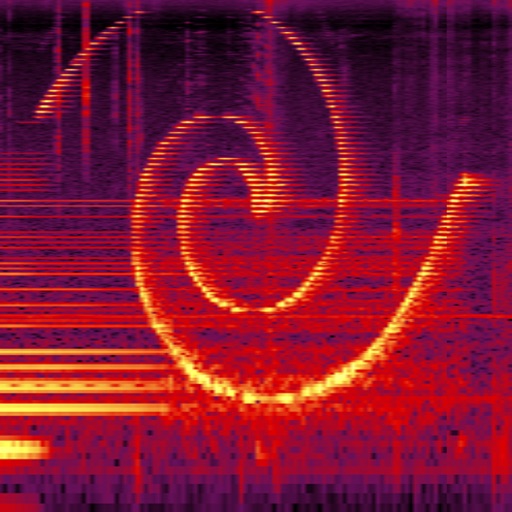
Perform real-time spectral analysis of sounds. View images with adjustable FFT-resolutions, frequency and amplitude scales, and color schemes. Save and share spectrograms. Access bode plot modes with averaging and maximum calculations.
Simulate the ANS synthesizer by drawing spectrograms to create music. Adjust parameters like pitch, amplitude, and envelope. Play back compositions and export audio files. Learn about the history and unique capabilities of the ANS instrument.
Adjust audio frequencies with 600+ filter types including shelving, peaking, and adaptive filters. Apply dynamic equalization for precise sound shaping. Customize settings for different audio tasks and export adjusted audio files.
The app is a music player with equalizer and bass booster features. It offers sound customization and access to local and cloud music libraries for an optimized listening experience.
Visualizes audio signals in real time with a spectrum display. Connects to microphones or hi-Z devices via mini-jack. Measures sound frequency and amplitude. Adjusts visual settings for different sound sources. Displays real-time audio analysis data.
The app offers multilevel interactive sound synthesis with up to 240 oscillators. It includes spectral pitch grid generators, a MIDI pad with scale grid, and an effects chain with Doppler, Glitch Gen, and Reverb FDN.
Measure sound pressure levels precisely and easily.
The app transforms an iOS device into a sound level meter, measuring sound pressure levels. It offers features like Apple Watch support, Health app integration, and frequency analysis tools.
Edit audio with spectral delay effects using up to 2048 delay lines and brick-wall filters. Manipulate frequency domain data through short time Fourier transform analysis. Adjust time and feedback shapes for stereo channels via multi-sliders.
Analyze spectra in real time using a microphone. Display waveforms and FFT data with adjustable frequency scales. Measure noise levels for approximate readings. Adjust FFT size for varying frequency accuracy.
Transform audio by transferring the temporal structure of a source sound to a target sound while preserving its spectral properties. Apply spectral hybridization using envelope preservation and phase-sync processing.