And write to help characters feel . Create drawings and write messages to resolve their issues. Receive hints to guide your choices. Complete levels by solving emotional scenarios through creative input.
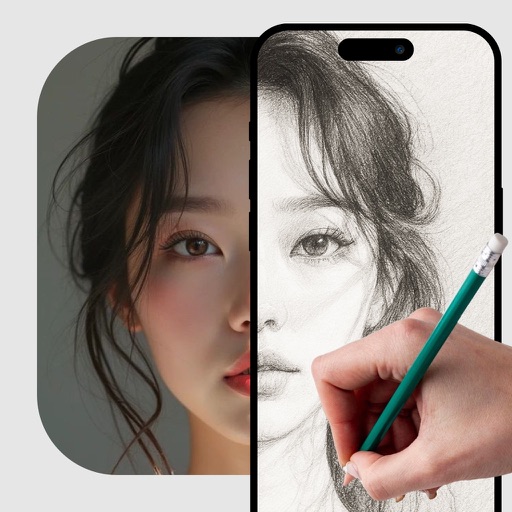
The app converts photos into pencil sketches and offers a collection of coloring pages. Users can select photos from their album or take new ones with the camera to create sketches.
With step-by-step tutorials and exercises. Access offline lessons for anytime practice. Follow detailed instructions to improve techniques. Track progress through guided sessions. Export drawings directly from the .
Use camera to project image outlines onto paper for tracing. Choose images from gallery or collection. Follow lines to practice sketching. Suitable for beginners, artists, and students. Improve hand-eye coordination.
The app provides users with 48 pencils and 41 papers for creating sketches. It includes features such as layers, zoom functionality, an eyedropper tool, and undo/redo options.
The app provides a virtual art set with realistic tools for painting and drawing. Users can create art with various media, import photos, and export their creations.
Select presets from brands like Prismacolor and Faber Castell. Import reference images to begin color picking. Choose from predefined sets including 150s, 132s, 72s, and 48s.
Create digital art with drawing, coloring, and animation tools. Use versatile templates for Anime, Animals, Flowers, Landscapes, Mandalas, and more. Access dual drawing modes for layered artwork.
Create drawings with Apple Pencil support. Use grid or lined backgrounds. over existing images. Save square images. Add widgets to showcase drawings on the home screen. Enable multitasking and multi-window features on iPadOS.
Create stickmen using drawing tools and customize appearances. Navigate a storybook world with puzzles and mysteries. Unlock secrets, collect drawings, and share creations. Add sound effects and animations to drawings. Save and revisit progress.
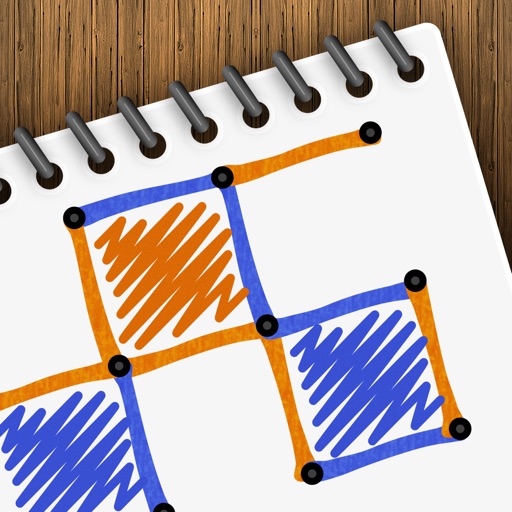
Play a turn-based strategy game by connecting to form . Take turns drawing lines between grid points. Earn points for each box completed. Compete against another player or AI opponent. Customize game settings and track scores.