Performs arithmetic operations using numerals. Users can convert between and Arabic numbers. The supports landscape mode for additional functions and displays results in numerals. Backgrounds and button styles are customizable.
Calculate with dual-line display and multi-line input
A with dual-line display showing input and result. Supports multi-line equations and tap-to-move cursor. Saves calculation history with timestamps and labels. Allows emailing calculations and swiping to review past entries.
Perform complex calculations with functions including trigonometry, hyperbolic operations, and logarithms. Use memory functions, angle modes, and constants like π and e. Evaluate expressions with parentheses and view calculation history.
The app offers a free basic and scientific calculator with an intuitive interface. It displays equations and results simultaneously, supporting fractions and percentages.
Perform general calculations including addition, subtraction, multiplication, division, and square roots. Use memory functions for storage and retrieval. Apply thousands separators and handle numbers up to 60 digits.
™ allows users to perform fraction calculations and convert between decimals and fractions. It supports degree, minute, and second conversions. Users can handle unit conversions and calculations with dimensional units.
Calculate with trigonometric and exponential functions
Store values by pressing "STO" and selecting a memory slot. Perform basic arithmetic and advanced mathematical functions including sine, cosine, logarithm, and exponential.
Perform calculations with a customizable interface and live results. Define and share advanced functions. Use 3D Touch shortcuts and an expandable widget. Search history via Spotlight.
Perform calculations with a multi-line display that supports complex expressions and order of operations. Edit equations, save history, and switch between and basic modes. Share results via copy or email.
Perform calculations using a scientific or voice input. Access calculation history by swiping down. Copy and paste values. Switch between light and dark themes. Enable larger buttons for easier use.
Calculate with four modes: basic for arithmetic and percentages, scientific for algebra and trigonometry, programming for command line expressions in multiple numerical systems, and minimalist for simplicity.
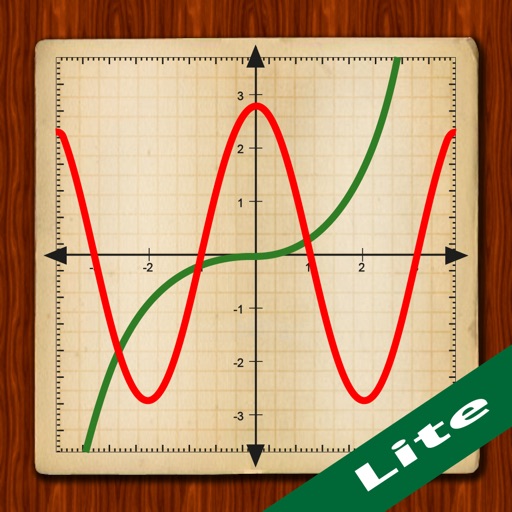
Scientific calculator with powerful graphing functions.
The app provides a scientific calculator with a history tape and graphing capabilities for up to four functions. Users can zoom, pan, and trace graphs, and view function values in a table.
Calculate fractions with addition, subtraction, multiplication, and division. Convert fractions to decimals. Adjust recipe quantities for different serving sizes. Review math problems and convert measurements between cups and teaspoons.