Rune keyboards allow users to input runes for English and German transcription. Each key reveals additional characters and symbols when pressed and held. Users can switch between Elder Futhark and Anglo-Saxon Futhork keyboards.
by Pierre Bongen★ 4.118 ratingsEducation$3.99Data updated 2026-09-23
Control LG webOS TV with a mobile , replace lost functionality. Launch TV apps directly from the . View and manage installed TV apps. Navigate channels and settings without a physical .
Create and control orchestral sounds using MIDI input from external keyboards or Bluetooth devices. Adjust instrument parameters, apply effects, and route audio through Audio Unit or Inter- Audio.
Appearance with themes and colors. Adjust effects and layout. Change key shapes and add stickers. Share custom designs with others. Apply themes to multiple devices.
Translate words between and English with bidirectional lookup. Save notes in and share via social media. Use two keyboards: phonetic with English input and local layout. Text-to-speech for both languages. Supports offline use.
Revolutionise your typing experience with an AI-powered writer and paraphraser. Generate text, rephrase content, and customise writing style. Integrate with documents and emails for seamless content creation.
Type in with a customizable that supports English and layouts. Switch between languages effortlessly. Add themes and adjust layouts. Edit text with predictive input and accurate character placement. Share typed content directly from the .
Look up and words with interactive text and fast offline search. Access over 150,000 entries and 100,000 example sentences. Customize favorites and use incremental search for real-time results.
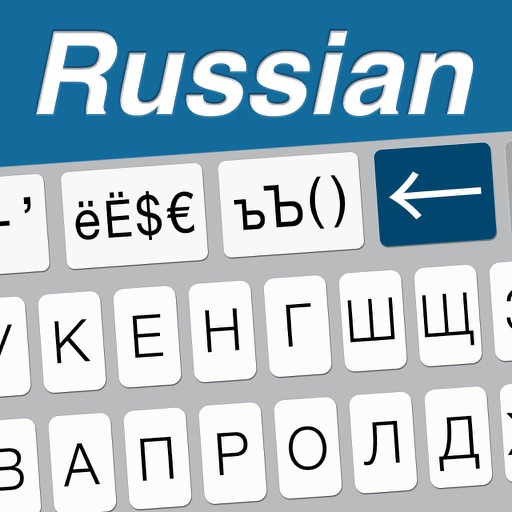
The app provides extended keys for the Russian keyboard, including arrow keys for caret movement and dedicated keys for extended characters. It also features Russian word prediction and auto-determination of marks.
Input data using a custom that connects with . Scan documents or forms to extract text. Switch to the in supported apps to type directly from scanned content. Enable full access in settings for proper functionality.
Transcribe videos automatically with high accuracy. Generate AI-powered summaries to understand content faster. Extract key points from lectures, podcasts, or tutorials. Save and export notes, subtitles, and formatted .