
AsKey - Keyboard for AsReader
Type data with custom
Asterisk Corporation
iPhone Screenshots
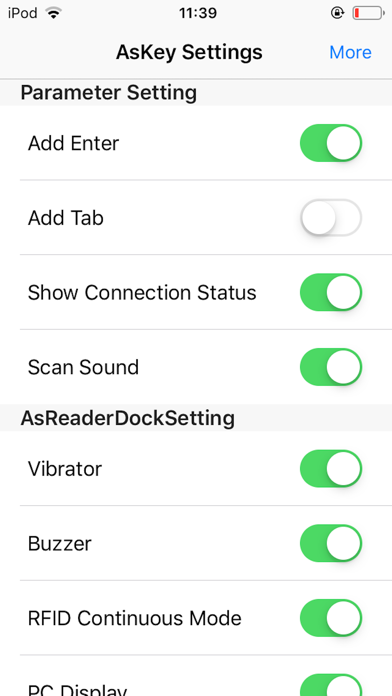
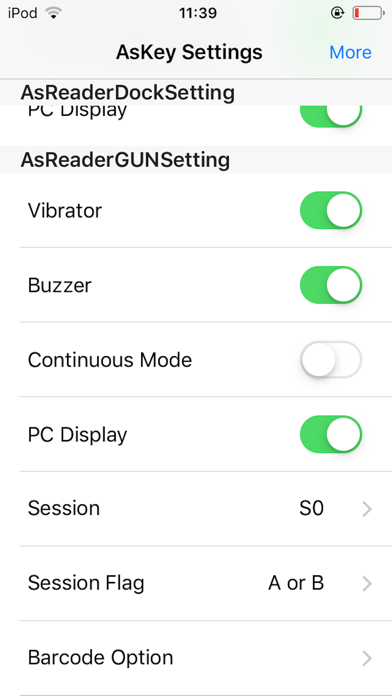

Description
Input data using a custom that connects with . Scan documents or forms to extract text. Switch to the in supported apps to type directly from scanned content. Enable full access in settings for proper functionality.
This app is a custom software keyboard to input the data AsReader scan.
How to use
1. Enable the custom keyboard after installing the app.
Go to Setting > General > Keyboard > Keyboards > Add New Keyboard... and select "AsReader"
Go back to Setting > General > Keyboard > Keyboards select "AsKey - AsReader", set "Allow Full Access" to ON.
2. Connect AsReader to iPhone/iPod touch
3. Open an app (e.g. memo, safari or web form)
4. Switch keyboard to Askey.
AsKey will connect with AsReader.
5. Press the trigger buttons of the AsReader to scan a barcode.
The scanned data will be inputted by the keyboard.