Rune keyboards allow users to input runes for English and German transcription. Each key reveals additional characters and symbols when pressed and held. Users can switch between Elder Futhark and Anglo-Saxon Futhork keyboards.
by Pierre Bongen★ 4.118 ratingsEducation$3.99Data updated 2026-09-23
Multiple TV brands including Roku, Vizio, Fire TV, Panasonic, Philips, Hisense, and TCL via Wi-Fi. Navigate menus, adjust volume, and switch inputs. Access built-in apps and manage streaming services. Pair with devices using a simple setup process.
Keep journal entries with text, images, and voice recordings. Organize entries by date and search across devices. Sync with iCloud. Add tags and notes. Export entries as PDF or text files. Share entries via email or social media.
Customize with themes, layouts, and emoji sets. Add shortcuts and gestures. Enable predictive text and auto-correction. Share keyboard designs with others. Access a library of pre-designed .
Play with a full 88-key keyboard and haptic feedback. Use multi-touch for chords and dynamics. Access 50+ instrument tones. Learn through interactive practice. Control via widgets without launching the .
Calculate intervals with precise unit conversions. Adjust decimal and thousands separators for regional settings. Customize display formats for results. Access in- settings to modify feedback type and default formats.
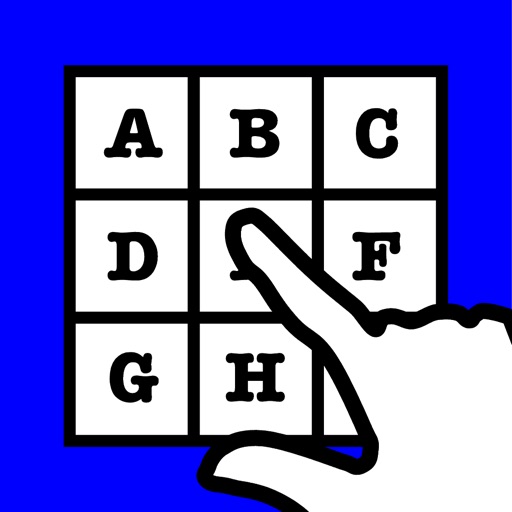
The app presents an alphabetically ordered set of buttons for typing messages. The keyboard can be configured for English or Spanish and can speak keys as they are pressed.
Calculator with large keys and 4 basic functions for use. Review entries using tape, add comments, timestamp, and email numbers. Bring past entries into current calculations.
Learn musical notes, fingerings, and rhythms through interactive gameplay. Compete against up to three players on a single instrument. Earn ninja belts by improving speed and accuracy. Purchase additional instruments.