Count items with simple buttons that add or subtract numbers. Track scores during games. Store multiple counts in separate lists. Share counts via text or email.
by Jacob Sparling★ 5.022 ratingsUtilitiesFreeData updated 2026-09-06
Create countdowns for events like birthdays or holidays. Set different event types and view them via a widget. Track past events with a count-up timer. Add notes and a timeline to each countdown.
Pop balloons to learn letters, numbers, colors, and shapes. Play five modes in nine languages. Improve cognitive, motor, and memory skills. No ads in the free version. Track progress and set learning goals. Share achievements with family.
Track counts with customizable counters for sets, laps, items, or habits. Set goals with progress rings and receive haptic feedback on each tap. Organize counters using folders and color labels. Export data or share results directly.
Count items with gesture-based controls. Tap to add, swipe down to subtract. Create unlimited counters with custom labels. Access counters via home screen widgets. Sync with Apple Watch for on-the-go tracking.
Manage households by customizing characters, assigning tasks, and decorating homes. Interact with family members through dialogue and events. Unlock new items and storylines through gameplay and achievements.
Play card game with two players. Manage a board for scorekeeping. Use a separate hand for the dealer. Track points from card combinations totaling fifteen. Score during play and show stages. Aces count as low.
Explore numbers through interactive games and animations. Learn to count, add, and subtract with engaging activities. Watch animated characters come to life and solve problems. Complete challenges to reinforce math concepts.
Count objects with customizable counters. Set target names and adjust values in the settings. Change counter colors and refine counts as needed. Track multiple items simultaneously.
Without touching the screen using the proximity sensor. Tap to increment, swipe left or right to decrement, and hold to reset. Multi-touch allows counting multiple times with separate fingers. Shake to generate a random number.
Play Tic Tac Toe against another player or the iPhone's AI with three difficulty levels. Choose single or two-player mode. The AI uses a move randomization engine to avoid repetitive plays. Connect via turn-based network for multiplayer games.
Count items quickly by adding or subtracting numbers. Reset count with a confirmation prompt for safety. Switch between day and night mode for different color schemes. Sync with Apple Watch for hands-free tracking.
Add, subtract, multiply, and divide numbers up to five decimal places. Maintain a running total and view a scrollable . Copy or paste numbers by touching and holding the display area.
Track counts with up or down counting options. Save and share recorded counts. Receive vibration and sound notifications with spoken updates every 25 counts. Sync counting between phone and watch. Retain last count after closing the .
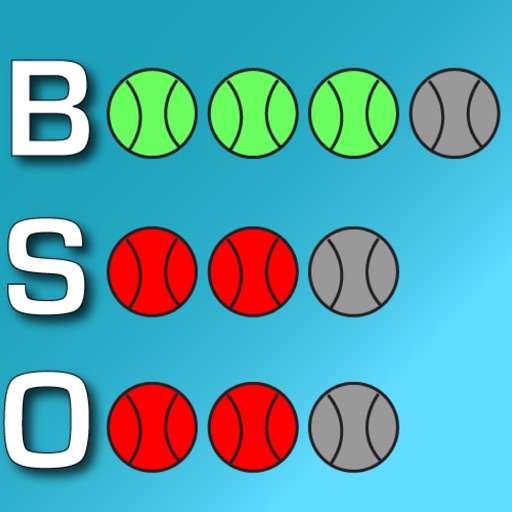
Track games with a customizable . Edit team names and change colors. Adjust scores by adding or subtracting points per inning. Count balls, strikes, and outs with dedicated buttons or a toggle. Reset counts to zero at any time.
Track and manage multiple counts with separate entries. Organize counts into groups for better management. Access counts across all devices. Use multipliers for faster counting in larger increments. Open multiple counting sessions simultaneously.
Track scores by adjusting team names and modifying inning points. Count and reset balls, strikes, and outs with dedicated buttons. Customize team colors for visual clarity.
Track game details like pitch count, outs, score, and inning. Log pitches and strikes. View real-time updates and share game stats with others. Set reminders for key moments during the game.
Helps manage , dates, and schedules. Add or subtract , minutes, and seconds. Apply hourly rates for cost calculations. Track and calculate pay. Convert formats and plan shifts.
Track scores for board games or party games. Add players via the top left button. Sort scores from lowest to highest using the top right button. Adjust volume with the bottom right toggle. Reset scores to zero using the bottom left button.