Count items quickly by adding or subtracting numbers. Reset count with a confirmation prompt for safety. Switch between day and night mode for different color schemes. Sync with Apple Watch for hands-free tracking.
by Pat Walsh★ 5.02 ratingsProductivityFreeData updated 2026-09-11
Count up or down by tapping. Customize the display and reset the . Adjust values manually or through quick taps. Features include editing, resetting, and a user-friendly interface.
Counter allows users to increment, decrement, and reset numerical counts. Features include a simple interface with plus, minus, and reset buttons for tracking quantities. Users can count items or track progress through direct button interactions.
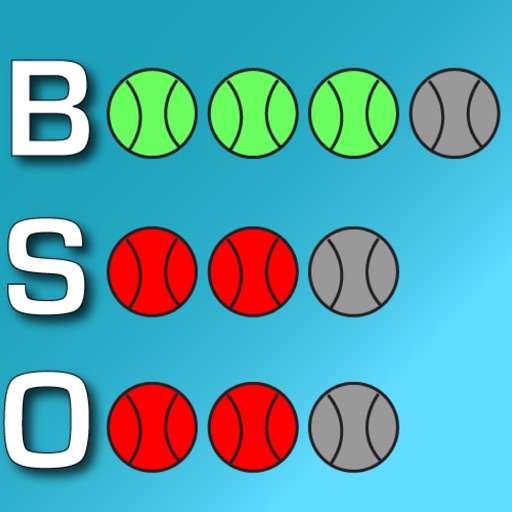
Track game details like pitch count, outs, score, and inning. Log pitches and strikes. View real-time updates and share game stats with others. Set reminders for key moments during the game.
Track counts with a digital . Add, subtract, or reset numbers. Save and share count data. Set custom labels for different items. Sync counts across devices.
Counters numbers with a full-screen button. Includes reset and subtract options. Features an animated background and sound effects for each tap. Allows disabling Auto-Lock.
Track games with a customizable . Edit team names and change colors. Adjust scores by adding or subtracting points per inning. Count balls, strikes, and outs with dedicated buttons or a toggle. Reset counts to zero at any time.
Track scores by adjusting team names and modifying inning points. Count and reset balls, strikes, and outs with dedicated buttons. Customize team colors for visual clarity.
Create countdowns for events like birthdays or holidays. Set different event types and view them via a widget. Track past events with a count-up timer. Add notes and a timeline to each countdown.
The app provides essential calculation functions like addition, subtraction, multiplication, division, and percent. It also offers multiple color schemes and the ability to copy results.
Automatically perform repeated clicks at specified intervals. Tap any location on web pages for social media, games, or websites. Choose single or multi-click modes. Set custom click intervals. Execute clicks without manual input.
Track items with manual entry and editing. Monitor count changes over time using a graph. Export data as CSV for external reporting. Filter time series data on the graph.
Automate repetitive clicks with customizable timing settings. Access a built-in browser with search, -complete, and history. Use a custom keyboard for quick phrase input. Enable hands-free scrolling in Safari.
Count items with simple buttons that add or subtract numbers. Track scores during games. Store multiple counts in separate lists. Share counts via text or email.
Write and save notes with fast startup for quick access. Share memos via AirDrop, email, or social media. Copy text, count characters, and send messages. Includes additional features from standard apps.
Count down to a special event with customizable features. Set days, hours, minutes, and seconds. Choose or upload a background image. Add a title with adjustable font size, family, and color.
Count dhikrs with vibration and sound alerts. Set limits for automatic alerts. Continue counting across closures. Customize the interface. Track progress without needing to view the screen.