Customize device appearance with iOS 16 inspired icon packs and Full HD/4K wallpapers. Personalize Home and Lock screens. Access regular updates of minimal, modern, artistic, and trending designs. Apply themes quickly for a smooth user experience.
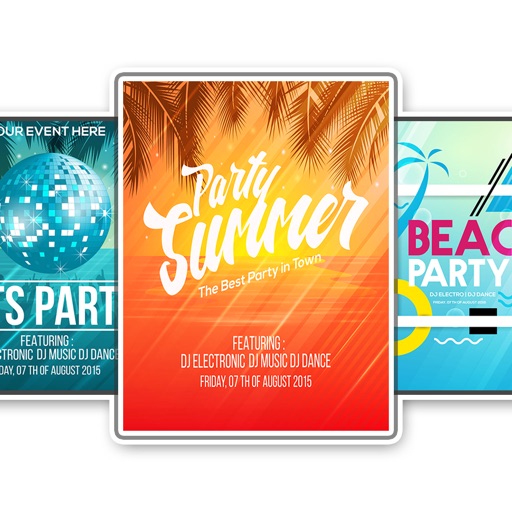
Create flyers, logos, and graphics with customizable templates and icons. Edit designs with professional tools. Upload or use images from a library. Export files for print or online publishing.
Control your Mac or PC with an iPhone, , or iPod. Use simulated touchpad and keyboard functions. Access panels for media playback, file transfers, and presentation controls. Perform actions like dragging, clicking, and scrolling.
Generate cohesive designs from text prompts, including key visuals, banners, and cover art. Maintain consistent style across outputs. Combine image, video, and 3D tools in one platform. Export files for various uses.
The app provides a zoomable map that follows the aircraft's position during flights in simulator programs. Key flight variables are displayed on a side panel, and users can customize map types, aircraft icons, and units of measurement.
The app imports and exports multiple icon formats including .icns, iOS, Apple Watch, and .ico. It allows users to customize sizes and filenames, optimize PNGs, and manage multiple icons within projects.
Create intricate drawings with customizable symmetry, background color, and brush settings. Apply shadows and use predefined patterns or images for inspiration. Export and share finished designs.
Create rounded images from photos or gallery selections. Adjust borders and colors for polished results. Save and share rounded images for social media platforms including Instagram, Facebook, YouTube, TikTok, X, WhatsApp, Snapchat, and Pinterest.
Manage tasks with hierarchical lists, subtasks, and priorities. Attach notes, files, and due dates. Sync with on Mac. Integrate with Reminders. View progress with timeline and calendar views. Share tasks across devices.