
iPhone Screenshots


Description
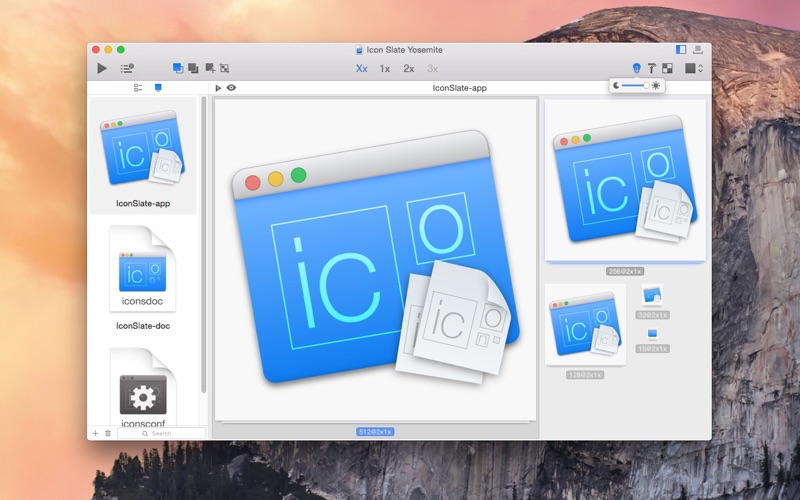
The app imports and exports multiple icon formats including .icns, iOS, Apple Watch, and .ico. It allows users to customize sizes and filenames, optimize PNGs, and manage multiple icons within projects.
• Multi-formats
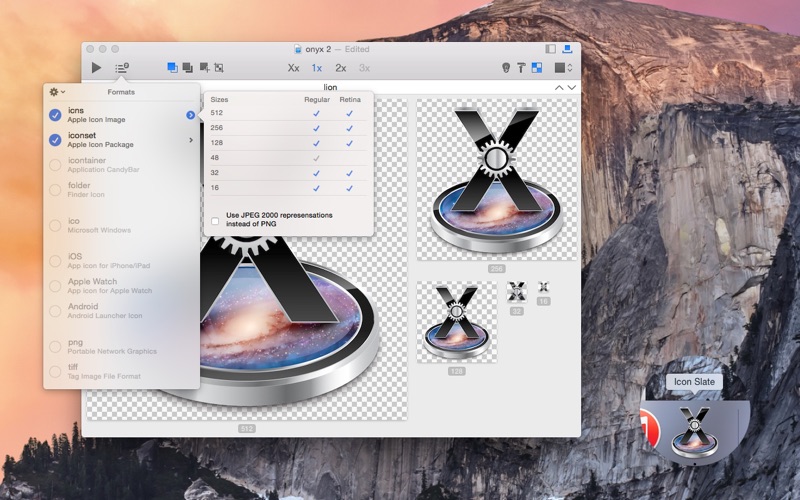
Import and export .icns (Retina), iOS (Retina, Retina HD), Apple Watch, .iconset, .ico (Windows 256x256, Favicon), Android, custom sizes (.png, .tiff), .iContainer files and Folder.
• Customizations
Customize sizes and filenames to use for each format.
Save format configurations. PNG Optimization.
• Simple
Drag and drop one or several images to compose your icon.
• Quick
Create icons quickly by using copy mode (Copy to empty or filled sizes) and operation mode (Cover filled sizes, Trim transparent pixels).
• import and export
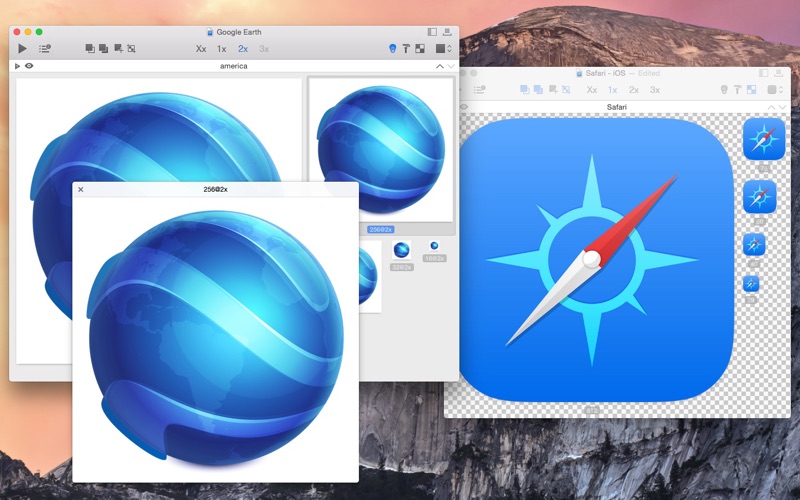
Manage multiple icons in a project. Batch import and export.
• Integration
Convert icons directly in Finder. Add the convert tool in your Automator workflow. Use Icon Slate in Bohemian Coding's Sketch (plugin).
• Preview
Built-in preview in Dock. Adjust the background color to check the rendering of your creations above different backgrounds. Preview the icons with five different icon layouts (default, iOS, Apple Watch).
• Optimized for latest macOS
iCloud, Retina UI, Version, Auto-save, Fullscreen and QuickLook.