Edit photos with background removal, cropping, and resizing tools. Adjust brightness, contrast, and color. Choose from and ID photo templates. Preview and export in required formats. Share directly or save for later.
by TAPUNIVERSE LLC★ 4.816,602 ratingsGraphics & DesignFreeData updated 2026-09-21
Take photos using the built-in camera. Resize images to specific dimensions. Remove backgrounds with an eraser tool. Choose background colors for ID photos. Export edited images.
Add to videos with animation options. Customize size, color, opacity, and background of captions. Animate line by line, word by word, or character by character. Adjust timing and speed. Position and rotate freely. Add multiple captions per .
Create passport photos at home with adjustable settings for rotation and correction. Edit images to meet size and format requirements. Print photos directly or share digitally.
Create collages with customizable blur backgrounds and adjustable layouts. Apply filters like black and white, vintage, and retro to enhance images. Edit photos by resizing, cropping, or deleting elements.
The app allows users to print photos from their library with flexible sizing and multiple photos per page. It offers customization with text and emoji, photo editing tools, and export options via email or PDF.
Create artistic images with single-tap camera effects and professionally designed filters. Adjust brightness, contrast, and tone curve. Blur and focus images. Rotate, crop, and resize photos. Add text and fun stickers.
Annotate images with tools like arrow, rectangle, circle, text, and magnifier. Import photos from library, camera, or map. Export with custom sizes and share. Customize colors, undo changes, and manage layers. Crop images and save history sessions.
The app adds real-time watermarks to photos and videos, including current time and address. Users can customize timestamp formats, fonts, positions, and add custom text or logos.
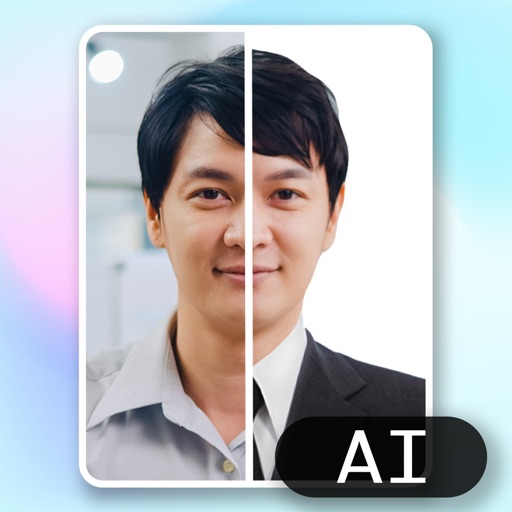
Create ID photos using AI to remove backgrounds and add formal clothing. Edit images directly on your phone simple tools. Save and share the final result.
Capture and edit official ID photos professionally
Create professional-quality photos for passports, visas, and ID cards. Use guided cropping to adjust size and alignment to international standards. Edit backgrounds to achieve a clean look.
Edit photos to meet , visa, or ID requirements. Automatically remove backgrounds with AI. Save multiple copies without extra cost. Adjust size and format for global use. Share edited photos directly.
Create collages using photos from Camera Roll, Photo Stream, or Dropbox. Choose from pre-designed templates and artwork. Edit images with cropping, filters, and adjustments. Export and print finished layouts for physical display.