Edit photos with background removal, cropping, and resizing tools. Adjust brightness, contrast, and color. Choose from and ID photo templates. Preview and export in required formats. Share directly or save for later.
by TAPUNIVERSE LLC★ 4.816,602 ratingsGraphics & DesignFreeData updated 2026-09-21
Remove backgrounds from photos using AI. Select images from the gallery, automatically detect and cut around people or objects. Save as transparent PNG or replace with HD backgrounds. Edit and share edited photos directly.
Capture photos with manual exposure and focus controls, RAW and TIFF support, and real-time adjustments. Edit images with advanced tools, apply effects, and export in high-quality formats. Share photos directly from the .
Convert images to JPEG or PNG formats. Supports HEIF/HEIC and common types. Converted files are saved to the Photos with automatic album creation for JPEG or PNG. No ads.
Edit photos with filters, , and cropping tools. Add text, stickers, and borders. Adjust brightness, contrast, and saturation. Export in various formats and share directly.
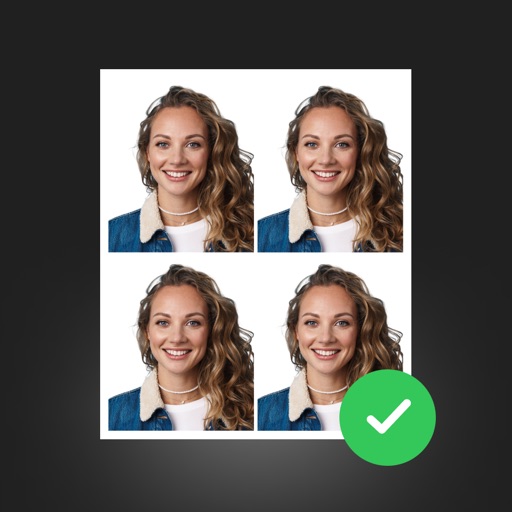
Create professional ID photos with AI tools. Automatically detect faces and remove backgrounds. Resize and crop portraits to fit official sizes. Support multiple countries' requirements. Generate printable -sized images for children and adults.
Photos to reduce file size without quality loss. Resize images for social media, email, or web. Crop photos to adjust framing. Save and share optimized images directly.
Capture photos and videos using connected cameras or device cameras. Adjust settings manually or use automatic modes. Share images directly to social media or email. Print photos on-site or save to cloud storage.
Convert photos to style with 16 customizable masks. Adjust colors and settings for detailed control. Save high-resolution artwork for print. Share creations socially. Supports iPhone, iPad, and iPod touch.
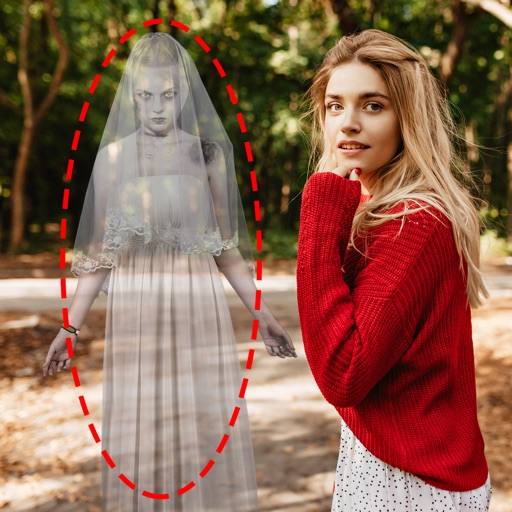
Edit photos by adding ghosts, monsters, or zombies from 62 options. Adjust transparency, color, saturation, brightness, and contrast for each creature. Position and resize creatures freely. Share finished photos with friends.
Convert photos and videos into paintings or hand-drawn animations using AI. Apply sketching or painting styles with adjustable textures. Save the artwork process as a video. Choose from five standard art tools.
Remove backgrounds from images and create transparent or colorful alternatives. Edit colors, apply filters, add borders, and include text. Save edited photos as high-quality PNG or JPEG files.
Enhance photos with Hi-Def, Scenery, Food, Portrait, and Night modes. Apply over 100 free and purchasable filters. Add stickers, frames, and overlays. Touch up selfies with redey tool. Share edited photos directly.
Edit photos by removing objects with a magic eraser and auto-cutout tools. Adjust colors, apply filters, and enhance details. Save and share edited images directly.
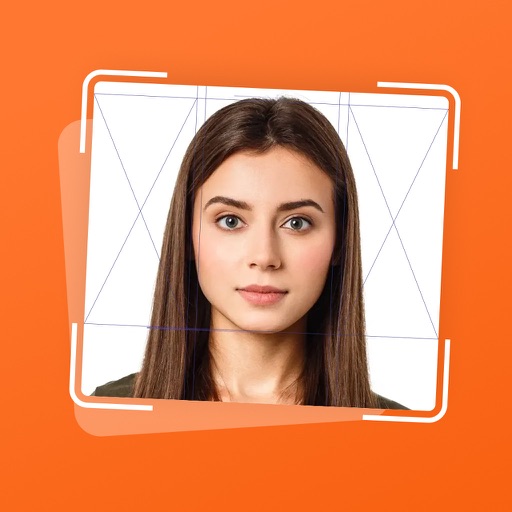
Create ID photos with automatic portrait alignment and AI-based beautification. Adjust lighting and background. Export in required formats for passports, visas, and ID cards.