Create and edit sketches with intuitive tools and customizable color palettes. Export sketches for use in other graphics software. Support multiple windows and dark mode for enhanced workflow.
by Lars Augustin★ 4.5144 ratingsProductivityFreeData updated 2026-09-21
The app allows users to sketch ideas and take notes using their fingers. Users can save drawings to their device's camera roll or share them via social networks and other image-handling applications.
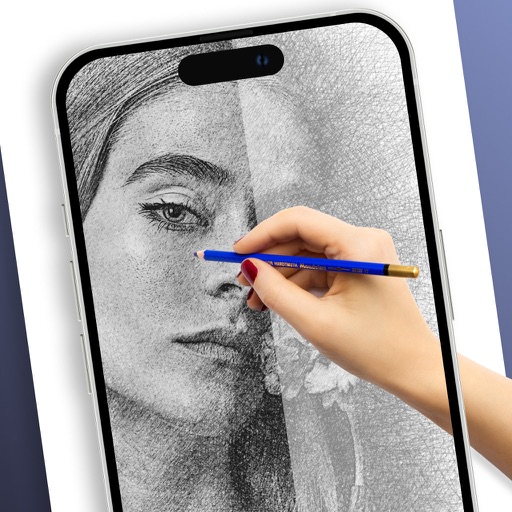
Draw on physical paper using AR templates for tracing and sketching. Paint and color directly on paper with digital tools. Save and share artwork. Adjust brush settings for pressure sensitivity and stroke control.
Create anime-style drawings with step-by-step tutorials. Learn to characters and scenes through guided lessons. Export sketches and access printable templates for practice. Share artwork directly from the .
Create digital art with a variety of brushes, layers, and color adjustments. Use an eraser for modifications and access reference avatars and sketches. Save and share completed artwork.
Create designs using AI-generated sketches based on text prompts. Select from various styles and customize details like placement and size. Export designs in multiple formats and share directly.
Create and edit text documents with and character counting. Import and export files via cloud services like iCloud and Dropbox. Generate PDFs and print documents. Convert text to speech. Access dark mode and local backups.
Use AR to sketch and paint on paper. Select images from the built-in gallery. Position paper on a flat surface for accurate drawing. Draw over projected images with precision. Save and share artwork directly.
Allows editing and text with syntax highlighting for over 80 languages. Connect to SFTP, FTP, WebDAV, or Dropbox. Use built-in SSH terminal for server access. Save and export files directly.
Create artworks from photos or videos using styles like , sketch, oil painting, and watercolor. Choose textures such as canvas or paper. Adjust tones and apply filters. Share creations directly from the .
Create and organize boards for teamwork. Add sticky notes, drawings, and images. Collaborate in real time with team members. Drag and drop elements to rearrange. Comment on notes and track changes. Export boards as images or PDFs.
Plus Apps Bilisim Teknolojileri Reklamcilik Limited Sirketi
Sketches with AR technology
To sketches using AR technology. Choose from various categories to practice. Follow step-by-step instructions to improve techniques. and paint directly on the screen. View animated tutorials for guidance. Save and review your artwork.
Create moodboards using images and text. Organize design ideas into boards. Generate color charts, shopping lists, and furniture guides. Export presentations and share directly. Sync across devices for seamless access.
Convert handwritten notes or whiteboard sketches into editable diagrams. Create professional visuals using AI-powered tools. Access 40,000+ templates for flowcharts, org charts, and project plans. Edit diagrams with drag-and-drop elements.