Stream from a Subsonic server to iOS, CarPlay, Chromecast, or Subsonic Jukebox. FLAC, MP3, AAC, and other formats with lossless and gapless playback. Use a 10-band equalizer with genre and scenario presets.
Listen to offline without an internet connection. Import tracks from Files, iCloud Drive, Apple , or cloud services like Google Drive, Dropbox, OneDrive, pCloud, and Box. Transfer wirelessly via drag-and-drop.
Stream and download for playback. Create and customize playlists. Access a large library with various song versions. Search for songs, artists, and genres. Sync playlists across devices. Share with others.
Identify songs by playing audio. Get title, artist, album, and lyrics. Play official videos. View artist details and related tracks. Share information with others.
Stream music from Internet radio or music services. Play songs in multiple rooms or sync playback across the house. Control settings and manage device connections through the .
Edit guitar tones wirelessly via Bluetooth. Adjust modulation, echo, and reverb parameters. Access advanced settings for detailed tone shaping. Control amplifier functions from a mobile device.
The app converts MIDI files into synchronized sheet music. It supports multiple clefs and offers song management features, including downloads and iCloud synchronization.
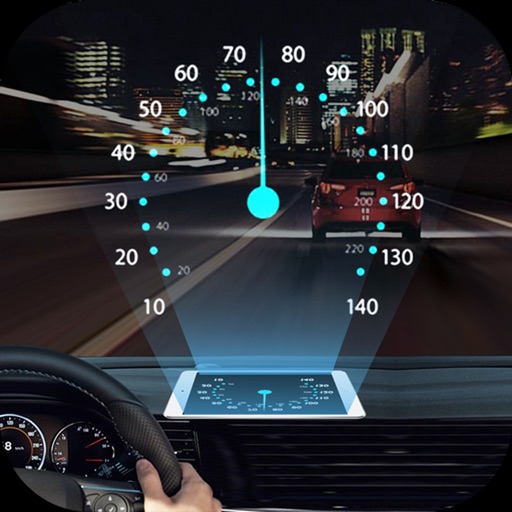
Projects speed, clock, weather temperature, cruise control, and now playing song information onto the windshield when iPhone is rotated and placed near the windshield. Displays data in landscape mode for easier visibility while driving.
Adjust settings with customizable equalizer presets. Boost , adjust treble, and fine-tune frequencies for different music genres. Compatible with various music apps for enhanced sound quality.
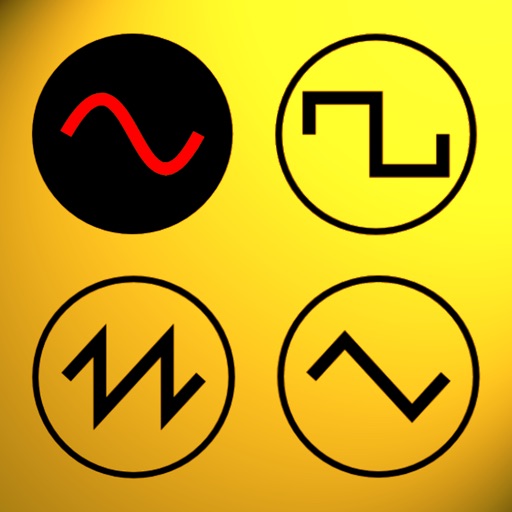
Udio tones with customizable frequency settings from 15Hz to 22KHz. Choose between sine, square, sawtooth, and triangle waveforms. Create and save custom presets. Control playback from notification drawer, lock screen, or headset buttons.
Control mixing, processing, and effects of X18/XR18/XR16/XR12 mixers via iPad. Adjust 18 input channels and 12 buses. Edit 4 stereo effects processors. Access routing, EQ, and dynamics settings. Save and recall mixer configurations.
Import music sheet files to and learn favorite songs. Use an 88-key simulator to practice. Receive guidance through tutorials. Track progress and refine playing techniques.
Listen to and music with gesture-based station switching and driving mode. Control playback via CarPlay, Siri, or WatchOS. Use the equalizer and song recognition to copy artist and title.
Listen to live Desi Indian radio stations in multiple languages including Hindi, Tamil, Telugu, Kannada, Malayalam, Punjabi, and Bangla. Switch between stations, adjust volume, and access a clean, intuitive interface for easy navigation.
Control playback with play/pause, previous, and next buttons. Adjust treble and bass levels for USB and Bluetooth music. Display ID3 information for USB and Bluetooth tracks. Manage audio input via USB, Bluetooth, or AUX ports.