Calculate exposure settings using system theory. Measure shadow and highlight zones. Input film ISO and shutter speed. Determine aperture value and adjust based on calculated results.
by Jouni Erola★ 3.05 ratingsPhoto & Video$0.99Data updated 2026-09-06
Capture moments with filters and cinematic effects
Capture photos with full manual controls over shutter speed, ISO, and white balance. Apply 35mm filters inspired by Kodak, Fuji, and Agfa. Use cinematic effects to enhance images and preserve memories as -style photographs.
Capture photos with signature color and style. Adjust exposure, focus, and white balance manually. Select from multiple film simulation modes. Edit images with basic tools. Share photos directly from the .
GPS speedometer displays real-time speed for driving, biking, or walking. Measure trip distance offline. Track altitude for planes. Switch between mph, km/h, and knots. Use Today Widget or Apple Watch. Adjust screen color and toggle mirror .
Measure sound levels using iPhone's microphone. Display readings in real time. Log noise data and view historical trends. Set custom volume alerts. Share measurements via email or social media.
Record 4K and 6K video with manual controls for focus, exposure, and white balance. Adjust frame rates and aspect ratios. Use professional-grade audio recording. Export videos in high-resolution formats and share directly.
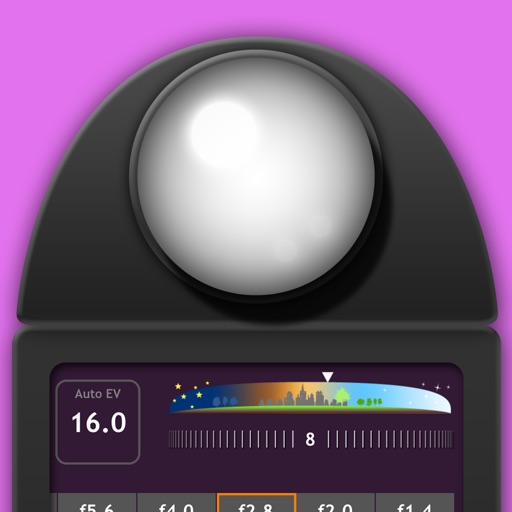
Measure EV values by pressing the left EV button to display aperture and shutter speed combinations. Adjust EV manually to preview brightness changes. Recommended for film camera enthusiasts.
Convert measurements between , , and centimeters. Input fractions or decimals for precise calculations. View results on a visual measure display. Perform addition, subtraction, multiplication, and division with measurement values.
Measure ambient instantly with live EV feedback. Adjust aperture, shutter speed, and ISO for accurate exposure. Save and compare readings over time. Sync measurements with other devices for consistent results.
Capture motion blur and light trails using speed settings. Adjust exposure time, ISO, and focus manually. Import photos and apply creative effects. Share images directly from the .
Apply color-correction filters to videos and photos. Adjust exposure, contrast, and color balance. Access 7 built-in filters with examples from 6 sets. Load media as a digital negative for detailed editing. Save all 6 filter sets for a limited time.
Edit photos with manual exposure controls, precise focus, and adjustable white balance. Record smooth video with crisp audio. Export in various formats and share directly. Adjust colors and brightness for professional results.
View and edit for photos and videos. Display location data, camera model, aperture, shutter speed, ISO, and other tags. Remove or modify fields. Manage file names and timestamps.
Allows manual adjustment of exposure up to 1 second. It separates residual and ISO enhancement for improved clarity in low- conditions. Users can tap to focus and capture clearer images during daylight or in dark environments.
Widget allows users to add frequently used zones and access them by swiping down from any screen. Tap a to convert current instantly. View converted times across all added zones.