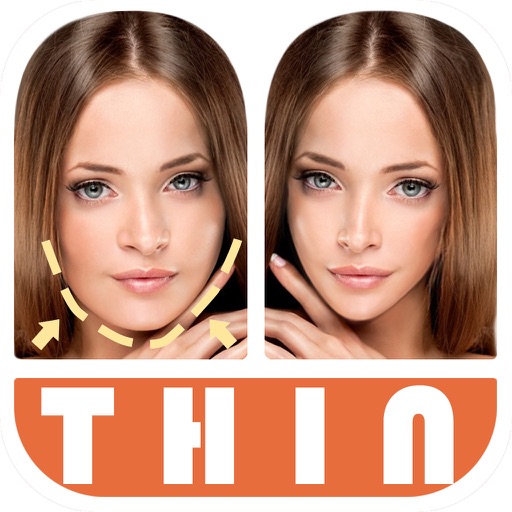
Edit photos by automatically detecting faces and adjusting body shape in four modes: , head, body, and manual. Apply changes to photos from the or library and share the edited images.
View live video streams from compatible IP cameras by entering camera ID and password. No IP or router configuration needed. Supports H.264 compression for clear video quality. Control camera settings and receive motion alerts.
Record audio with adjustable microphone gain and real-time audio effects including pitch shifting, high and low pass filters, echo, reverb, distortion, and stereo doubling.
Offers DSLR-level photography with P and M exposure modes. Adjust shutter speed and ISO manually or automatically. Access film simulation settings for grain texture and contrast. Capture high-quality photos with mirrorless-level controls.
Use the front or rear camera as a or magnifier. Zoom up to 32x with pinch or volume buttons. Support dual and triple camera devices. Turn on torch for better visibility.
Enlarge text and images for better visibility. Adjust magnification levels and use autofocus for clear details. Freeze the screen for comfortable reading. Access a built-in flashlight for improved visibility in low light.
Use front camera for real-time application and self-viewing. Apply filters like cartoon, sketch, and X-ray for styled photos. Zoom in 1x to 4x for detailed inspection. Activate flashlight for better lighting during application.
Control the PHANTOM 2 drone via mobile device. Adjust camera settings, manage flight paths, and monitor battery life. View real-time video feed and trigger automated shots. Access flight data and system diagnostics.
Record gameplay and screens with one tap. Add reactions via face cam or voice . Edit clips by trimming, rotating, adjusting speed, and combining with other footage. Share directly to YouTube and Instagram without leaving the .