ToneBoosters processes audio signals in real time using microphone or external input. It corrects headphone coloration and simulates studio reference equalization.
by Dirk Breebaart★ 4.732 ratingsMusic$8.99Data updated 2026-09-20
Create music using a - sequencer. Play notes by bouncing balls on customizable keyboards. Adjust ball count, speed, and size. Set key/scale, velocity range, octave, and channel. Customize notes per keyboard. All keyboards share the same scale.
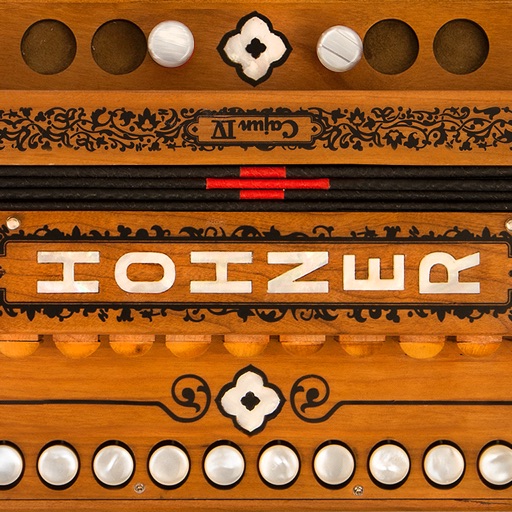
Play a virtual accordion with a one-row fingerboard that mimics the IV's layout and 4-reed sound. Practice scales, chords, and songs. Use headphones for private practice or connect to audio output for playing.
Create and edit complex rhythmic patterns with independent sequence lengths for each drum voice. Generate polyrhythms and polymeters. Export sequences for use in AUv3 hosts or external drum machines.
Create music with sample blocks, drum kits, and construction tools. Arrange beats and melodies. Export tracks and share directly. Adjust effects and tempo.
The app transforms music files by adding a binaural effect. Users can listen to their transformed wav files through headphones with the players positioned in front of them.
-Esser removes sibilant sounds from vocal recordings. Includes a vocal doubler and noise gate. Works as an in DAWs like Cubasis and Auria. Adjusts thresholds and frequency ranges for precise control.
Record and edit audio with various effects. Save and rename recordings. Delete unwanted files. Apply custom effects to alter tone. Share modified audio with friends. Listen to recordings with different sound enhancements.
Create immersive soundscapes by adjusting Size and Overdrive for rich reverb and distortion. Morph between soft-clipping and hard-ripping overdrive. Use Wobble for eerie effects and Ribbon for precise control.
Use a microphone to create live or recorded loops with trigger modes via keyboard. Process sound with bit and sample crusher, delay, and flanger. Play using a 25-key dynamic keyboard or core MIDI.