Locate Bluetooth devices using a scanner. Track headphones, earbuds, smartwatches, phones, and tablets. Receive notifications when devices are found. View names and signal strength. Connect via Bluetooth to trigger sounds.
Clean speakers and headphones using sound waves to remove dust and moisture without disassembly. Perform automatic or manual cleaning with scheduled reminders. Conduct basic sound tests to check speaker functionality.
Allows recording audio on iPhone, iPad, or Apple Watch. Users can trim, replace, or save recordings as new files. Transcription converts speech to text for easy reference. Vocal layers can be added to existing recordings.
Control noise cancellation levels on QuietComfort headphones and earbuds. Adjust equalizer settings and manage connected devices. Pair and manage speakers, soundbars, and amplifiers. Monitor battery life and firmware updates.
Manage Bluetooth connections and access features like auto-off timer, volume control, and battery status. Control multiple devices simultaneously. Share music with another pair of wireless headphones for synchronized listening and real-time DJing.
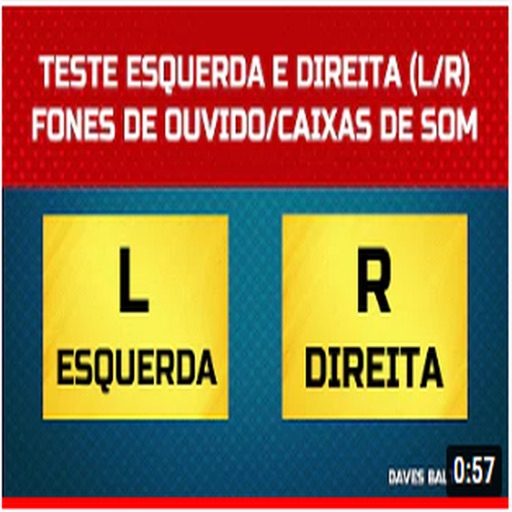
Orientation with audio test tones. Tap left or right speaker to confirm placement. Provides instant feedback without removing headphones. Offers simple, quick verification process.
Control nearby AirPlay speakers, amplifiers, and TVs by grouping, ungrouping, and syncing them. Adjust bass, treble, volume, and use presets for different music genres. Manage and personalize favorite songs and artists.
Switch between Bluetooth and AirPlay audio devices instantly. View current output device and scan for nearby compatible speakers, , or audio gear. Manage connections with a simple, intuitive interface.
Generate pure tones, frequencies, and waveforms for and headphone testing. Customize frequency ranges and noise types. Perform audio quality tests and analyze sound output. Save and share test results.