
iPhone Screenshots
Description
Please read before using.
• Please make sure that your Noble TWS headphone's Firmware has been updated if the last 5 numbers of the serial number are before xxxxxx20000.
• Please complete the pairing procedure before use.
• Please "authorize access" when you first open your app.
Main Functions of this App.
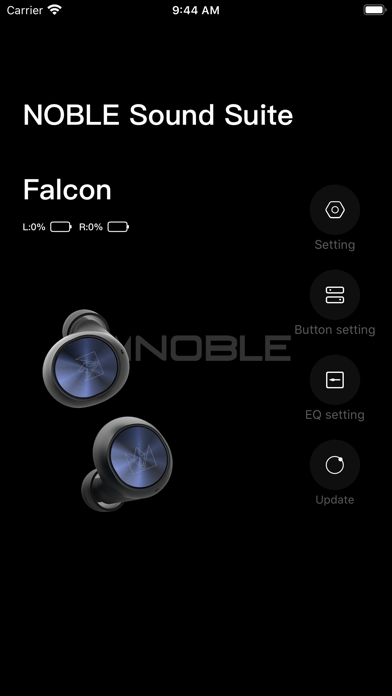
• Display battery status - displays the charge status for each side.
• Displays audio codec - displays the audio codec being utilized by your smartphone and your Noble TWS headphone.
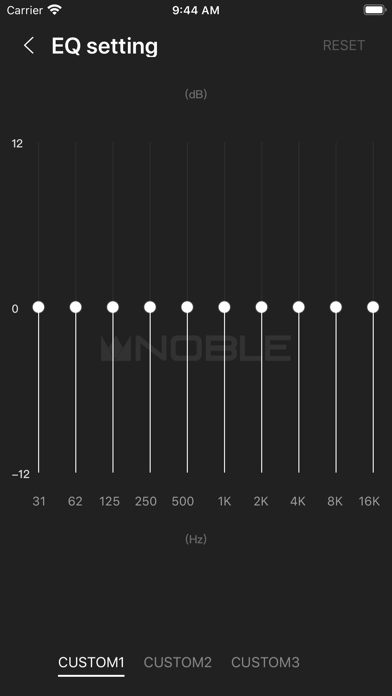
• EQ Setting. Up to three programmable presets. Default for the EQ is off.
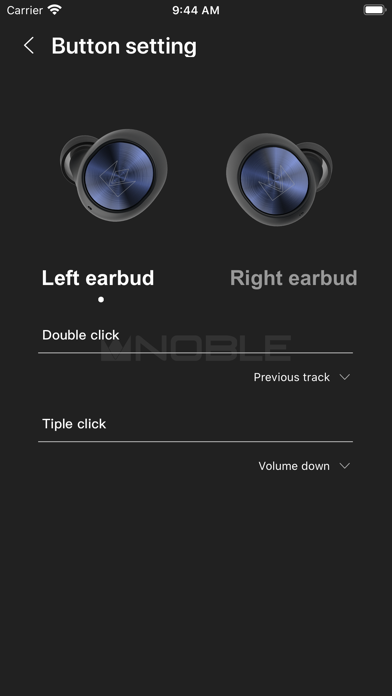
• Button Settings - you can change the button clicks to function as you choose.
• Setting the language - you can set the language displayed for the App. The default language is the language used by your smartphone or Bluetooth device.
• Current Version - Displays the Firmware version used by each side of your headphones.