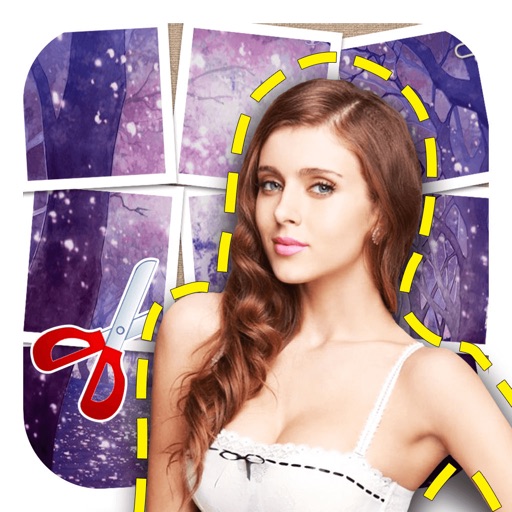
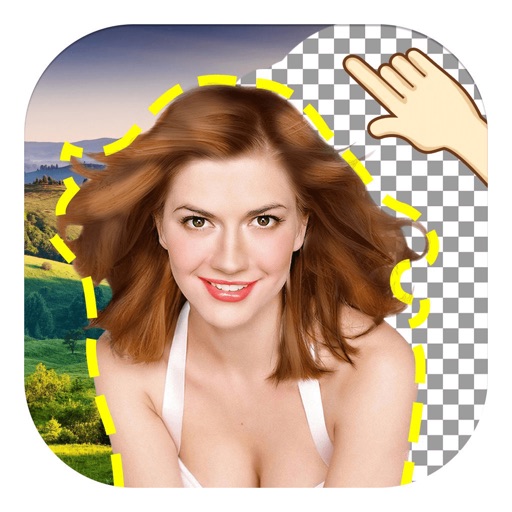
The app offers intelligent cutout software for easily removing persons and objects. Users can create identification photos, parody pictures, and save PNG images with various material options and background styles.
The app allows users to remove and edit backgrounds of pictures. It offers smart and manual cutout tools, with options to move, zoom, rotate, and crop images.
Create vector art using Bézier tools and Apple Pencil. Convert sketches or photos to SVG format. logos, icons, illustrations, and UI assets. Export vector files for production use. Refine curves and edit vector drawings directly.
Create digital art with natural brush strokes and realistic paper textures. Use 40+ brush presets for detailed painting. Edit images with color adjustments, liquify tools, and cropping. Apply layers and blend modes for advanced compositing.
Drawings, photos, and artwork with adjustable screen brightness for clear visibility. Lock artwork to prevent accidental movement. Use outline mode to enhance line visibility. Project images via AR for tracing accuracy.
Create and edit drawings using various tools like Pen, Line, Arrow, Rect (Stroke/Fill), Ellipse (Stroke/Fill), Eraser, and Text. Choose from multiple colors including Black, Red, Green, Blue, Yellow, and more. Save or share drawings directly.
Apply effects to photos. Share edited images on Facebook, Twitter, WhatsApp, and Instagram. Adjust settings to customize the appearance. Save and export modified photos.
Create and edit digital art with brush tools, layers, and color blending. Import photos and sketches. Adjust brightness, contrast, and saturation. Add text and shapes. Export artwork in various formats and share directly.
The app converts photos into pencil sketches and offers a collection of coloring pages. Users can select photos from their album or take new ones with the camera to create sketches.
Upload photos to create fine art. Apply oil-painting effects with adjustable brushstrokes and textures. Save and share high-resolution outputs. Customizable color palettes and brush sizes. Export images for printing or digital use.
Convert grayscale or black and white images to using selective recoloring. Select and capture images, pan and zoom for precise editing. Adjust brush size and opacity. Apply 200+ filters. Preview changes in real time. Redo or undo edits.
Take selfies with real-time beautifying filters. Adjust skin tone and appearance using specialized filters. Swipe to switch between different filter options. Share edited selfies directly.
Learn to draw with step-by-step tutorials covering animals, cartoons, and flowers. Practice by tracing images or sketching freely. Save and share completed artwork.