Create digital art using tools like paper, brushes, pencils, pens, and markers. Adjust brush pressure and opacity. Layer artwork and apply textures. Export in various formats and share directly.
Create artworks from photos or videos using styles like , sketch, oil painting, and watercolor. Choose textures such as canvas or paper. Adjust tones and apply filters. Share creations directly from the .
Create gallery-style portraits from images using automatic painting tools. Add color, light, and texture for realistic effects. Choose between classic-style brushes or modern-colored options. Save and share finished artworks.
Create and edit digital paintings using pencil tools, brushes, and smudge features. Fill areas with color, add text, and draw shapes like lines and circles.
Convert photos into printable pages using AI. Upload images to generate detailed sketch outlines. Customize pages with color options. Print or share finished artwork directly.
Create social media posts, flyers, collages, logos, and wallpapers with drag-and-drop tools. Use pre-designed templates for Instagram, Facebook, and phone wallpapers. Add text, images, and graphics.
Children can freely using a virtual notebook with crayons and brushes. They can sketch shapes, experiment with colors, and create without limits or templates.
Create art with a brush that generates unique curves not found in other drawing tools. Use adjustable settings to customize brush behavior. Draw freehand or use predefined patterns. Export artwork in various formats and share directly.
Provide , fonts, textures, stickers, collections, 3D models, and palettes for digital art creation. Import assets into . Access new releases every Thursday. Organize and customize artwork with included tools. Share finished projects directly.
Create 3D pixel art and voxel art using a full-featured voxel editor and pixel art editor. Use dozens of tools and brushes for block building, including pencil, bucket fill, and magic. Share creations via photos and videos.
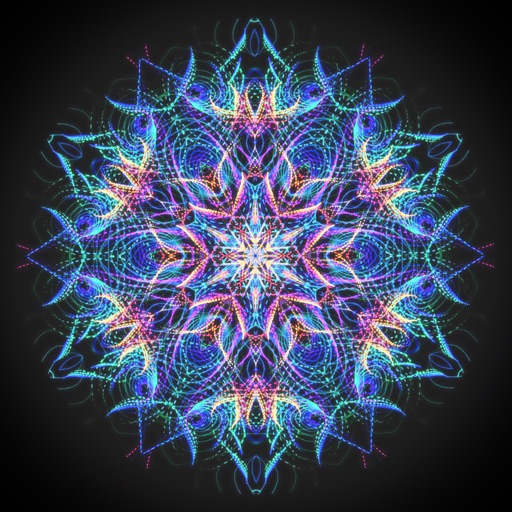
Create animated swirling patterns and kaleidoscope artworks. Select from various brush styles and color palettes. Adjust speed and symmetry settings. Save and share generated artwork. Relax through interactive, meditative visuals.
Create custom grids over reference images or drawing surfaces. Set grid dimensions and adjust spacing. Transfer intricate details square by square. Export drawings in multiple formats. Share directly from the .
Create realistic clothing mockups using AI-generated images and 3D models. Upload designs or sketches to generate photo-real product images. Choose from various mockup templates and adjust lighting and angles.
On paper using AR camera to trace sketches. Access templates and gallery photos for reference. Adjust line thickness and color. Save and share drawings directly.